Key takeaways
- Robots.txt manages crawling. Google says it is not a mechanism for keeping a web page out of Google. Use noindex or password protection for that.
- The file must be in the top-level directory of the exact host, protocol, and port it covers. Subdomains need their own file.
- Google supports four fields: user-agent, allow, disallow, and sitemap. It ignores crawl-delay.
- Google caches robots.txt for up to 24 hours, reads up to 500 KiB, and treats most 4xx responses as “no robots.txt”.
- If you block a page in robots.txt and also add noindex, Google cannot see the noindex, so the page can still appear in results.
A tiny text file sits at the root of almost every website: robots.txt. Written well, it keeps crawlers away from low-value URLs. Written badly, it can block pages you want in search. This robots.txt guide follows Google’s published documentation and shows the behavior that surprises people, including what happens when the file itself returns a server error.
What robots.txt does and does not do
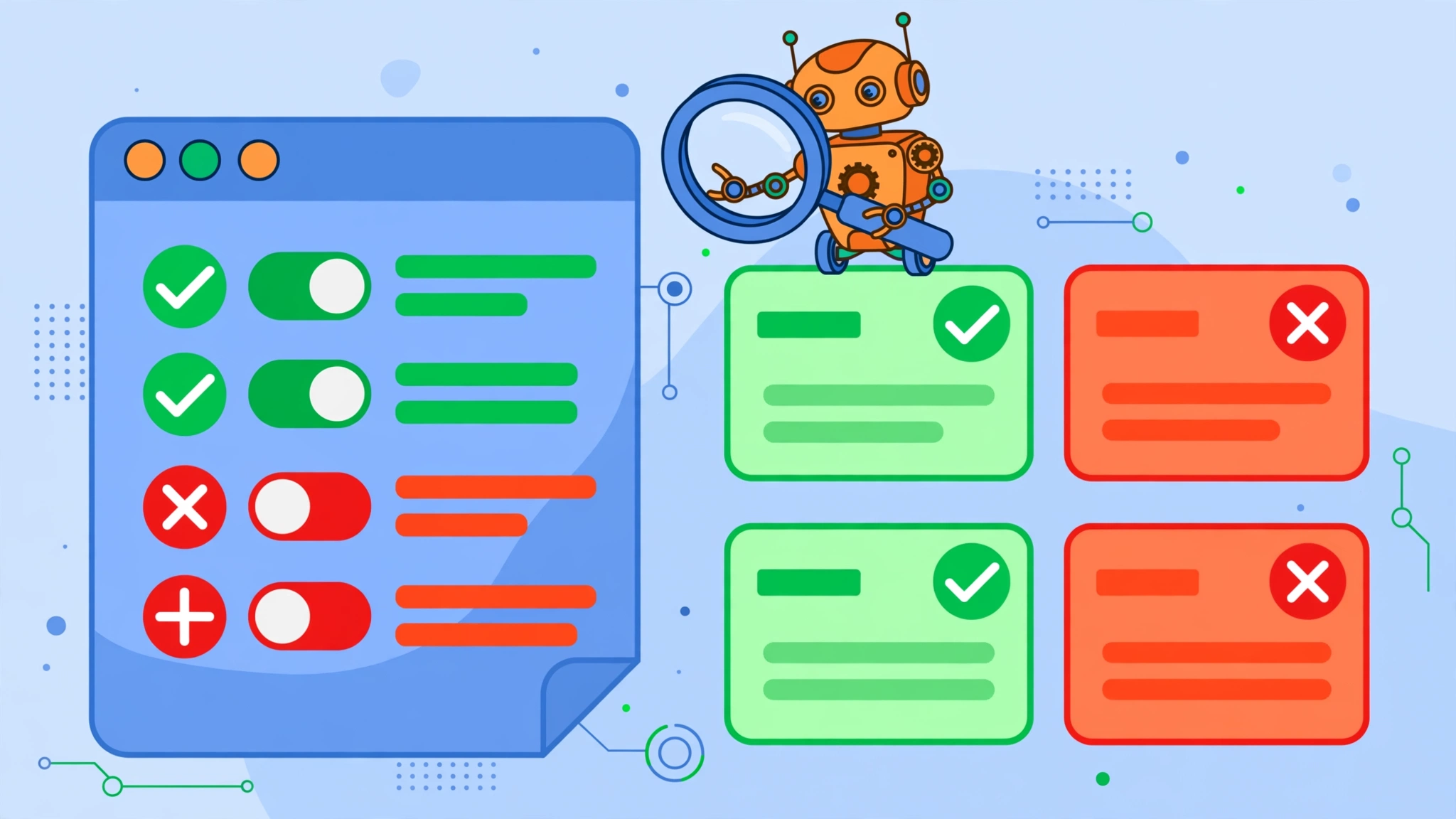
According to Google, robots.txt tells search engine crawlers which URLs they can access on a site. Its main use is managing crawler traffic, such as avoiding server overload. It does not secure anything, because crawlers must choose to obey it and some ignore it.
What it does to each file type, per Google:
- Web pages (HTML, PDF, and similar): you can use it to skip unimportant or duplicate pages. A blocked page can still appear in results without a description if other sites link to it.
- Media files (images, video, audio): blocking can keep them out of Google Search results, though it does not stop others from linking to them.
- Resource files (scripts, styles, minor images): you can block them only if the page works fine without them. Do not block resources Google needs to understand the page.
Not every search engine supports robots.txt rules, and crawlers may interpret syntax differently, so treat the file as guidance for compliant bots, not a lock.
Where the file lives and what it covers
Google’s specification is precise about scope:
- The file must be in the top-level directory. Crawlers do not check subdirectories.
- Rules apply only to the exact host, protocol, and port. So https://example.com/robots.txt does not govern http://example.com or blog.example.com.
- It must be plain text encoded as UTF-8, with lines ending in CR, CR/LF, or LF.
- Google ignores invalid lines, including a byte order mark. Non-UTF-8 characters may be dropped, which can invalidate rules.
- The size limit is 500 KiB. Content beyond that is ignored.
The four supported fields
| Field | What it does | Example |
|---|---|---|
| user-agent | Names the crawler a group of rules applies to. An asterisk matches all crawlers that have no more specific group | User-agent: Googlebot |
| disallow | Paths the crawler should not fetch | Disallow: /cart/ |
| allow | Exceptions inside a disallowed path | Allow: /cart/help/ |
| sitemap | Location of an XML sitemap, as a full URL | Sitemap: https://example.com/sitemap.xml |
Field names and user-agent values are case-insensitive, but the values of allow, disallow, and sitemap are case-sensitive. An allow or disallow line with no path is ignored. Two wildcards are supported: an asterisk matches any sequence of characters, and a dollar sign matches the end of the URL. Paths are case-sensitive, so /fish does not match /Fish.asp. Google ignores crawl-delay and other unsupported fields.
How rules are chosen
- Find the group. A crawler follows only one group: the most specific matching user-agent. Other groups are ignored.
- Specific groups and the asterisk group are not merged. If you add a Googlebot group, Googlebot will not also read your asterisk group. Repeat any needed rules inside the specific group.
- Longest path wins. The most specific rule, meaning the longest matching path, applies.
- Ties go to the least restrictive rule. When rules conflict, including wildcard rules, the least restrictive one wins.
- Unmatched means allowed. Anything not blocked is crawlable.
Example scenario: A hypothetical store wants crawlers to skip its sort-order URLs and its account area, but still reach one public help page inside the account folder.
The rules would be: a group for all crawlers, a disallow for /account/, an allow for /account/help/, and a disallow for URLs containing the sort parameter using a wildcard pattern. A request for /account/help/shipping falls under both the disallow for /account/ and the allow for /account/help/. The allow path is longer, so it wins and the page is crawlable. A request for /account/orders matches only the disallow, so it is blocked. The sitemap line at the bottom tells crawlers where to find the sitemap.
What happens when the file returns an error
This is the section most guides get wrong. Google’s specification describes it by status code:
- 2xx: the file is used as served.
- 3xx: Google follows up to five redirect hops, then treats the result as a 404. Redirects done with JavaScript, frames, or meta refresh are not followed.
- 4xx (except 429): treated as if no robots.txt exists, so no crawl restrictions apply. Google says not to use 401 or 403 to limit crawl rate.
- 5xx: for the first 12 hours, Google pauses crawling but keeps retrying. For up to 30 days it uses the last cached good version of the file. If there is no cached version, it assumes no restrictions. After 30 days of errors, if the site is generally accessible Google treats it as having no robots.txt; if the site has general availability problems, Google stops crawling but periodically rechecks.
- Unreachable (DNS, network, timeout, reset): treated like a 5xx error.
So a brief outage does not instantly make Google forget your rules, but a long one can. Monitor the file’s availability like any critical URL.
Caching and recrawling
Google generally caches robots.txt for up to 24 hours, and may hold the cache longer when it cannot refresh, such as during timeouts or 5xx errors. Cache-Control max-age headers can lengthen or shorten that. Search Console’s robots.txt report shows the files Google found for the top 20 hosts of a Domain property, with fetch status, last check time, size, and parsing issues, plus up to 30 days of previous versions. It is available only for domain-level properties. When you fix an error or unblock important URLs, you can request a recrawl from the report, though Google generally recrawls robots.txt often, so a request is usually unnecessary.
How to create and check the file
- Write the rules in a plain-text editor, not a word processor.
- Save as robots.txt in UTF-8.
- Upload it to the top-level directory of each host you need to cover.
- Open the live URL in a browser and read what is actually served. A physical file, a plugin, a CDN rule, or a server setting can each change what visitors receive.
- Use the URL Inspection tool to check whether a specific URL is blocked, and check the robots.txt report for fetch status and parsing issues.
- For local testing, Google points developers to its open source robots.txt library.

Common mistakes
1. Blocking the whole site
A group for all crawlers with a disallow of the root path blocks everything. It often leaks from a staging site to production. Check the live file after every deployment.
2. Using robots.txt to hide pages from search
Google says robots.txt is not a way to keep a page out of Google. A disallowed URL can still be indexed if other sites link to it, and its URL and anchor text may appear in results. Use a noindex rule instead.
3. Blocking a page and adding noindex
Google’s noindex documentation says the page must not be blocked by robots.txt. If it is, the crawler never sees the noindex rule. Google also does not support noindex inside robots.txt. Allow crawling, add noindex, and wait for a recrawl, which can take months for less important pages.
4. Blocking resources Google needs
Do not block scripts or styles the page needs to render. Block them only if the page works without them.
5. Using robots.txt for canonicalization
Google’s duplicate URL guidance says not to use robots.txt for this, because disallowed URLs can still be indexed without content, so it does not consolidate duplicates. Use redirects or rel canonical instead.
6. Expecting groups to merge
A specific user-agent group replaces the asterisk group for that crawler. It does not add to it.
7. Relying on crawl-delay for Google
Google ignores it. Other search engines may support it, so check their documentation.
8. Mixing up case
Paths are case-sensitive. A rule for /Admin/ does not cover /admin/.
9. Using 401 or 403 to throttle crawling
Google specifically advises against it. A 4xx response means no restrictions apply.
10. Forgetting subdomains
Each host, protocol, and port needs its own file.
AI crawlers and robots.txt
Google states that Googlebot rules in robots.txt govern crawling for Search, including its AI features, and that snippet controls such as nosnippet, data-nosnippet, max-snippet, and noindex limit what is displayed. To limit use of content for AI training and grounding in other Google systems, Google points to the Google-Extended control. Other AI companies publish their own crawler names and rules, so check each operator’s documentation for the exact user-agent token before writing a rule. Blocking a crawler is a business decision: it can reduce how your content is used, and it can also reduce visibility. Our guide on ranking in Google AI Overviews covers the visibility side, and our explainer on what llms.txt is covers the newer optional file. Google says it does not require AI-specific files for its own AI features.
Frequently asked questions
Do I need a robots.txt file?
A missing file (a 404) is treated as no restrictions, so it is not an error. You need one when you want to manage crawling or declare a sitemap location.
How quickly do changes take effect?
Google generally caches the file for up to 24 hours, so allow at least a day. You can request a recrawl from the robots.txt report after an important fix.
Is robots.txt a security tool?
No. It is publicly readable and only compliant crawlers follow it. Use authentication for private content.
If you would like another set of eyes on your technical setup, you can reach us at ssaagency.us/contact.
Sources
- Google: How Google interprets the robots.txt specification
- Google Search Central: Introduction to robots.txt
- Search Console Help: robots.txt report
- Google Search Central: Block Search indexing with noindex
- Google Search Central: Specify a canonical URL
- Google Search Central: AI features and your website