If your website serves customers in more than one language — or the same language across different countries — hreflang tags decide which version of each page Google shows to each searcher. Done right, your French visitors land on French pages with local pricing. Done wrong, Google may ignore your annotations entirely, and your carefully translated pages will compete against each other or never appear at all.
The concept takes ten minutes to grasp; the execution takes discipline. Audits regularly find the majority of sites using these annotations carry at least one error, and a single broken link in the chain can get the whole cluster discarded. This guide covers what the tags do, how to implement them with real code examples, the mistakes that silently break them, and a repeatable audit routine.
What Are Hreflang Tags? The Simple Definition
Hreflang tags are small HTML attributes that tell search engines which language and regional version of a webpage to show a user, based on their language preferences or location. A typical annotation block looks like this:
<link rel=”alternate” hreflang=”en-us” href=”https://example.com/pricing/” />
<link rel=”alternate” hreflang=”en-gb” href=”https://example.co.uk/pricing/” />
<link rel=”alternate” hreflang=”fr-fr” href=”https://example.com/fr/tarifs/” />
<link rel=”alternate” hreflang=”x-default” href=”https://example.com/pricing/” />
Three pieces make up every annotation: rel=”alternate” marks the target as an alternate version of the current page, hreflang names the language (and optionally the region) that version is written for, and href gives its full URL. The identical block appears on every page in the group.
The tags do not tell Google what language a page is in — Google determines that itself. They only say these pages are versions of each other, and which audience each version belongs to.
Why These Annotations Matter for International Sites
Without them, Google sees your English, French, and Spanish versions of the same page as near-duplicates and guesses which one deserves to rank for whom. Your US page may outrank your UK page for British searchers, or your translations may cannibalize each other. With the tags in place, Google treats the group as one cluster sharing ranking strength and swaps in the best-matching version for each searcher.
The business case is concrete: visitors who land on pages in their own language with local pricing and shipping details bounce less and convert more. There is also a compounding SEO benefit — because the cluster consolidates ranking signals, strong backlinks to one version lift the whole group instead of being split across competing duplicates.
Remember that hreflang tags are a hint, not a command. Google can override them when other signals disagree, which is exactly why flawless mechanics matter.
How Hreflang Tags Work: The Three Rules
Everything in hreflang implementation rests on three rules. Violate any one and Google may discard your annotations.
1. Every page must reference itself
Each page in the group must include an annotation pointing to its own URL. This self-reference confirms the page’s intended audience to Google. Omitting it is one of the most common audit failures on the web.
2. Annotations must be bidirectional
If your English page points to your French page, the French page must point back with the complete, identical block. Missing return links are the single most destructive error: without reciprocity, Google cannot confirm the relationship and may ignore the entire cluster. When you launch a new language, update every existing version — not just the new page.
3. Define a fallback with x-default
hreflang=”x-default” names the fallback page for searchers matching none of your annotations — usually the global English version or a language-selector page. Include it on every page in the cluster so you control the default experience.
Writing Correct Hreflang Values
Invalid codes are the largest single source of errors, and they fail silently — Google ignores annotations it cannot parse. The language code is required and comes from ISO 639-1 (two lowercase letters: en, fr, ar, zh). The region code is optional and comes from ISO 3166-1 Alpha-2 (two uppercase letters: US, GB, MX). Format is always language first, region second, hyphen-separated: en-GB, never GB-en or en_GB.
- en-UK is wrong. British English is en-GB; Google ignores en-UK.
- Japanese is ja, not jp. jp is the country code; use ja or ja-JP.
- A bare region code is invalid. You may use a language alone (es) but never a region alone — hreflang=”mx” gets ignored.
- No city codes. Regions are countries only: ar-AE, never ar-dubai.
- One annotation per language-region. Never assign two URLs to the same value on one page.
Do not over-specify regions. A single Arabic page should be tagged ar, not ar-AE — the narrower tag tells Google the page is for the UAE only. Add region codes only for genuinely separate country pages, and keep a generic language fallback alongside them.
Implementing Hreflang Tags: The Three Methods
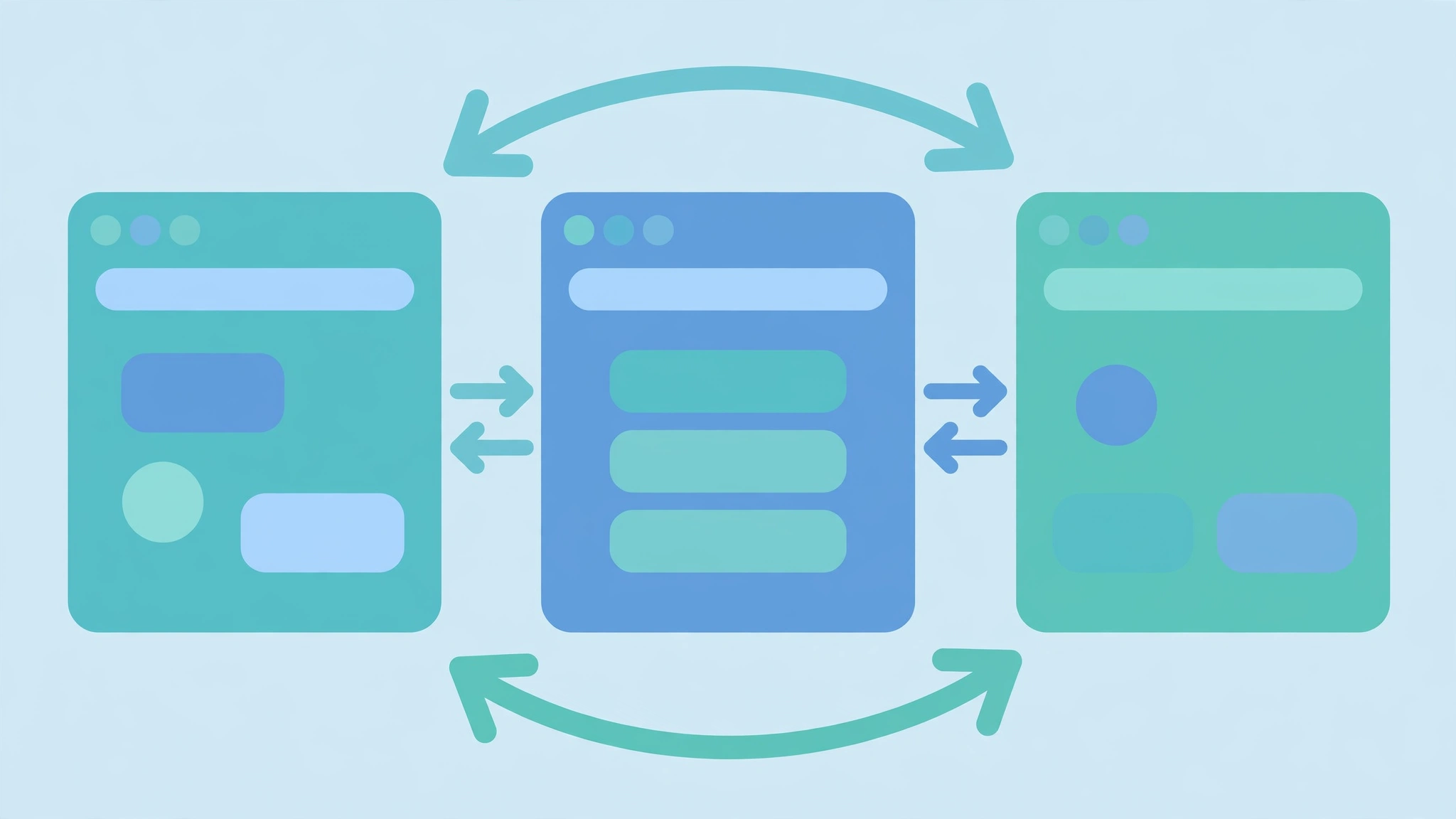
Google accepts the annotations in three places and treats them equally. Pick one per site — mixing methods multiplies the surfaces for mistakes without any benefit.
Method 1: Link elements in the HTML head
The simplest option for small sites: the full block goes in the <head> of every version. Easy to inspect, but template changes can silently drop the tags, and JavaScript-injected tags are unreliable. Best for a handful of locales on a server-rendered CMS.
Method 2: XML sitemap
The recommended method for large sites. Annotate each page’s alternates inside the sitemap with the xhtml namespace, keeping all logic in one centrally managed file:
<url>
<loc>https://example.com/pricing/</loc>
<xhtml:link rel=”alternate” hreflang=”en-us” href=”https://example.com/pricing/” />
<xhtml:link rel=”alternate” hreflang=”en-gb” href=”https://example.co.uk/pricing/” />
<xhtml:link rel=”alternate” hreflang=”x-default” href=”https://example.com/pricing/” />
</url>
This scales to thousands of pages, generates programmatically from your database, and is the only sane choice for cross-domain setups.
Method 3: HTTP response headers
Reserved for non-HTML files such as PDFs, where no <head> exists. The server emits a Link header carrying the same annotations, configured at the server or CDN level. Rarely the primary method — but if your PDFs rank internationally and lack it, those files sit outside your hreflang logic.
Whichever method you choose: use absolute HTTPS URLs, match your canonical URL exactly (trailing slashes included), and point every annotation at the final live URL — never at a redirect or a 404.
The Advanced Case: Hreflang Across Multiple Domains
Most guides skip this: hreflang works across different domains, not just within one. A brand running example.com for the US and example.de for Germany should annotate across those domains so German searchers get the .de version. The rules are identical, including bidirectionality.
Two requirements make cross-domain hreflang tags work: use the XML sitemap method — one central reciprocal file beats coordinating head tags across separate codebases — and verify both domains in Search Console so Google can confirm the return links. Treating each domain as an island leaves the two versions competing as duplicates.
Hreflang and Canonical Tags: The Rules Nobody Tells You
Each language version must carry a self-referencing canonical: the French page’s canonical points to the French URL, never to the English “main” page. Pointing a translated page’s canonical at another language’s URL tells Google it is not worth indexing on its own, erasing it from that market’s results.
The second rule is the one almost nobody documents: never combine hreflang and canonical attributes on the same link element. Developers saving bytes sometimes stack rel=”canonical” together with hreflang (or add media/type attributes to a canonical tag). Google explicitly ignores such combined annotations for canonicalization purposes — your canonical signal silently dies while you believe it is live. Always emit separate, single-purpose tags:
<link rel=”canonical” href=”https://example.com/fr/tarifs/” />
<link rel=”alternate” hreflang=”fr-fr” href=”https://example.com/fr/tarifs/” />
<link rel=”alternate” hreflang=”en-us” href=”https://example.com/pricing/” />
Audit your templates for any link element carrying both attributes — it is a five-minute check that eliminates an entire class of invisible failures. For the authoritative reference, see Google’s own documentation on localized versions.
The 7 Most Common Mistakes (and How to Fix Them)
- Missing return links. Page A points to Page B, but Page B never points back — the number one reason Google ignores otherwise correct annotations. Fix: generate the identical block from one source of truth and deploy it to every version at once.
- Missing self-references. The page lists every other version but forgets itself — always include the page’s own URL in its block.
- Invalid codes. en-UK, eng, en_US, bare mx — all silently ignored. Fix: validate every code against ISO 639-1 and ISO 3166-1 Alpha-2.
- Annotating dead or redirected URLs. Targets must return a clean 200. Fix: point at the final canonical URL and re-verify after every redesign or migration.
- Canonical conflicts. A translated page’s canonical points at another language’s URL, or canonical and hreflang are stacked on one tag. Fix: self-referencing canonicals plus separate single-purpose tags.
- No x-default fallback. Unmatched visitors get whichever page Google picks. Fix: add hreflang=”x-default” to every page in the cluster.
- Half-translated pages and template drift. A page with translated navigation but English body content reads as a duplicate, not a locale. Fix: translate pages completely, and re-crawl after every theme or plugin change. Keeping your technical foundation consistent makes these audits far easier.

Maintenance: The Quarterly Audit System
Hreflang is not set-and-forget. Annotations decay: new pages launch without cluster partners, migrations redirect URLs, and plugin updates drop tags. Broken alternates also waste crawl budget — Googlebot burns its allocation on dead ends instead of your revenue pages. Audit quarterly.
- Crawl with a dedicated tool. Screaming Frog, Sitebulb, Ahrefs, and Semrush all flag missing return links, invalid codes, non-200 alternates, and missing x-defaults. Crawl against your XML sitemap so every annotated page is covered.
- Diff against one source of truth. Keep a single spreadsheet or database table — one row per page, one column per locale — that generates the annotations, and diff the live tags against it after each crawl.
- Check Search Console. Google removed the dedicated hreflang report in 2022. Use URL Inspection to confirm each version is indexed, and watch the Pages report for unexpected drops in any locale.
- Re-audit on every trigger event. Any migration, redesign, URL restructure, new language launch, or CMS/plugin update should trigger a fresh crawl — most decay starts the day after a “successful” relaunch.
- Prioritize by traffic. Fix the clusters on your highest-traffic international pages first; a broken annotation there costs real revenue.
For very large sites, Google accepts partial annotation sets: each new language version needs bidirectional links with your main version at minimum. This keeps thousand-page catalogs manageable.
How to Validate Your Implementation
Validate first: run a free checker such as Merkle’s hreflang testing tool on a sample of pages, then confirm at scale with a crawler. Focus on the three checks that catch the worst failures: self-references, bidirectionality, and 200-status annotated URLs.
One critical caveat when validating hreflang tags: do not trust what your browser shows on sites that auto-redirect visitors by IP address or browser language. Googlebot crawls overwhelmingly from the United States, so a site force-redirecting US visitors to English may prevent Googlebot from ever seeing the other versions. Use a visible language picker instead — let the visitor choose, and let the annotations handle routing in search results.
Hreflang Tags on WordPress
Plugins like WPML, Polylang, and TranslatePress generate the annotations automatically, but themes and caching plugins can still break the output — tags rendered outside the <head>, duplicate sets from two plugins, or annotations pointing at staging URLs. After any install or update, view the source of one page per locale and verify the block is complete and bidirectional.
What About Bing?
Bing does not use hreflang in any meaningful way; it determines language targeting from the <html lang> attribute and the content-language meta tag instead. Set the lang attribute correctly on every page — Bing, screen readers, and translation tools all depend on it.
FAQs
Are hreflang tags a ranking factor?
No. Google has confirmed repeatedly that hreflang tags do not directly boost rankings. They decide which version of your content appears in the position you have already earned — a page ranking fifth in the US can have its French version shown fifth in France.
Do hreflang tags prevent duplicate content issues?
They do not consolidate duplicates the way canonical tags do. Instead, they explain that near-duplicate pages exist deliberately for different language or regional audiences, so Google treats them as one cluster rather than competing copies. You still need correct self-referencing canonicals on every version.
What is x-default and do I need it?
The x-default annotation names the fallback page for searchers matching none of your annotations — usually the global English version or a language-selector page. Include it on every page so you control the default experience.
Should I use “en” or “en-GB” for my English pages?
Use en for one English page serving all English speakers, and en-GB only for a genuinely separate UK version with different pricing, legal terms, or spelling. Over-specifying regions narrows reach: a page tagged en-GB alone may not be shown to English speakers outside the UK.
Can I use hreflang tags across different domains?
Yes — hreflang works across domains, so example.com and example.de can annotate each other with full bidirectionality. Use the XML sitemap method for cross-domain setups and verify both domains in Search Console so Google can confirm the return links.
Why is Google showing the wrong language version?
Because hreflang is a hint, not a directive. Google overrides it when other signals disagree: strong local backlinks to the “wrong” version, a conflicting canonical, an annotated URL that redirects, or the page being noindexed. Re-check the chain — valid codes, bidirectional links, self-referencing canonicals, and 200-status URLs.
Get Your Multilingual SEO Checked Properly
Correct codes, complete reciprocal blocks, clean canonicals, live URLs, and an audit routine that catches drift before it costs traffic — that is the whole discipline, and it usually pays for itself in recovered international visibility. It matters even more as AI Overviews pull from the pages Google has indexed: a locale folded into another version by broken tags cannot be cited, because as far as Google is concerned, it is not there.
Want a second pair of eyes on your setup? Get a free site audit and we will review your annotations, canonicals, and language URL structure — then fix the pairs costing you the most traffic first.