When someone searches “dentist near me” or “emergency dentist open now,” they are usually close to a decision. That is the starting point for this guide to SEO for dentists: every tactic below exists to turn a local search into a booked appointment, not just a website visit. It covers the Google Business Profile, treatment pages, review requests that stay within Google’s rules, privacy when replying to reviews, booking friction, schema, and a realistic timeline.
Key takeaways
- Google says local results are based mainly on relevance, distance and prominence, and that you cannot request or pay for a better local ranking.
- Prioritize pages and searches by treatment value and urgency, not by raw traffic.
- Reviews help prominence, but incentives and selective review requests break Google’s policies.
- HIPAA does not allow a practice to reveal patient health information when replying to a review. A federal settlement with a dental practice made that point publicly.
- Ranking does little if booking is hard. Fix the phone, form and insurance questions as well as the rankings.
Why dental SEO is different
Dental searches are local, often urgent, and tied to trust. A patient is choosing someone to treat their health and their appearance, so reviews, credentials, real photos and plain answers about cost and insurance carry unusual weight. They also vary a great deal in value to the practice: a routine cleaning and a multi-visit restorative case are not the same kind of lead. The sensible approach is to rank for revenue, not vanity traffic.
Example scenario: a hypothetical practice has two pages. One targets “free dental checkup day” and attracts many visitors who never book. The other targets “dental implants in [city]” and attracts fewer visitors, but nearly all of them are comparing providers for a significant treatment. Even with invented numbers, the second page deserves more investment, more internal links and more conversion work.

Build a keyword map by intent
Start with a short keyword research pass and sort the results into tiers. One keyword cluster should map to one page.
| Tier | Examples | What the searcher wants |
|---|---|---|
| Urgent | emergency dentist [city], toothache dentist near me, broken tooth repair | An appointment today |
| Higher-value treatment plus city | dental implants [city], Invisalign [city], veneers [city] | Compare providers and book a consultation |
| Cost and insurance | how much do veneers cost, dentist that accepts [insurance] | Remove the last obstacle before booking |
| Symptoms | bleeding gums treatment, jaw pain dentist | Understand a problem, then find help |
| Routine information | how often to get a cleaning | Learn, build familiarity with your practice |
Step 1: Set up the Google Business Profile properly
For most local searches, the map results are the first thing people see, so the profile deserves the first hour of work. Google’s guidelines give clear rules worth following exactly:
- Business name: use your real-world name as it appears on your signage and website. Do not add taglines, services, locations, hours or phone numbers to it. Keyword-stuffed names risk edits or suspension.
- Categories: use the fewest categories that describe what the business is, and make each as specific as possible. A general dentist should not add categories for specialties it does not practice.
- Address and phone: use the precise, real-world address, with no keywords added. The phone number must connect to your practice. Keep these consistent with your site and directories, as covered in our NAP consistency guide.
- Hours: list regular customer-facing hours, and keep holiday changes current. Google advises not listing hours for businesses that operate only by appointment or have varied schedules, so read the guidance against how your office actually runs.
- Description: no links, promotions, prices or sales offers.
Beyond the rules, completeness helps relevance. Add services, photos of the real office and team, and keep answering questions people leave. Our Google Business Profile guide goes deeper on each section.
Remember what Google says about ranking: results are mainly based on relevance, distance and prominence, prominence depends partly on links and reviews, and there is no way to request or pay for a better local ranking.
Step 2: Build one strong page per major treatment
A single “Services” page listing everything gives search engines and patients little to work with. Create a dedicated page for each treatment you want to be known for, with this structure:
- A clear H1 naming the treatment and the city.
- A plain opening explaining who the treatment is for and what the first visit involves.
- The process in steps, from consultation to follow-up.
- Cost and financing information. If you cannot publish exact prices, explain what affects them and how the practice quotes. Pages that dodge the cost question lose to pages that answer it.
- Insurance information one click away.
- Dentist credentials for the person performing the treatment, with real photos.
- Before and after photos only with written patient consent.
- A short FAQ built from questions front-desk staff actually hear.
Link related treatment pages to each other with descriptive anchor text, and avoid creating near-duplicate suburb pages. Only publish a location page if it has genuinely useful local content.
Step 3: Ask for reviews the right way
Reviews feed prominence and help patients decide. Google’s contribution policy draws some firm lines:
- Do not offer discounts, free services or any other incentive for reviews.
- Do not selectively ask only satisfied patients. Google’s policy addresses discouraging negative reviews and asking only happy customers.
- Do not require reviews on the premises or ask patients to include specific content.
You can still encourage genuine reviews. A neutral invitation works: share your Google review link in a post-visit message or at checkout for every patient, and make clear that honest feedback of any kind is welcome. Reply to reviews, since Google notes that replies show you value feedback.
Step 4: Reply to reviews without disclosing health information
This is the point where many practices go wrong. In 2022 the HHS Office for Civil Rights announced a settlement with a California dental practice that had responded to patients’ online reviews and disclosed protected health information, including names, treatment details and insurance information. The practice paid $23,000 and agreed to a corrective action plan monitored for two years. OCR’s position, in its words, is that HIPAA does not allow providers to reveal patients’ health information when replying to negative reviews.
A safe reply template is generic and never confirms the person was a patient: “We take feedback seriously and would welcome the chance to talk. Please contact our office at [phone] so we can look into this.” Have your compliance lead or attorney approve your standard replies. This guide is not legal advice.
Step 5: Make booking easy
A top local ranking is wasted if the next step is hard. Audit your path as a new patient would:
- Is there a tap-to-call button on mobile, and does it reach someone after hours or a clear message?
- Can people request an appointment online on every treatment page?
- Is “do you take my insurance?” answered within one click?
- Is the form short enough? Every extra field costs completions.
- Do you answer new inquiries promptly? Decide an internal target and track it.
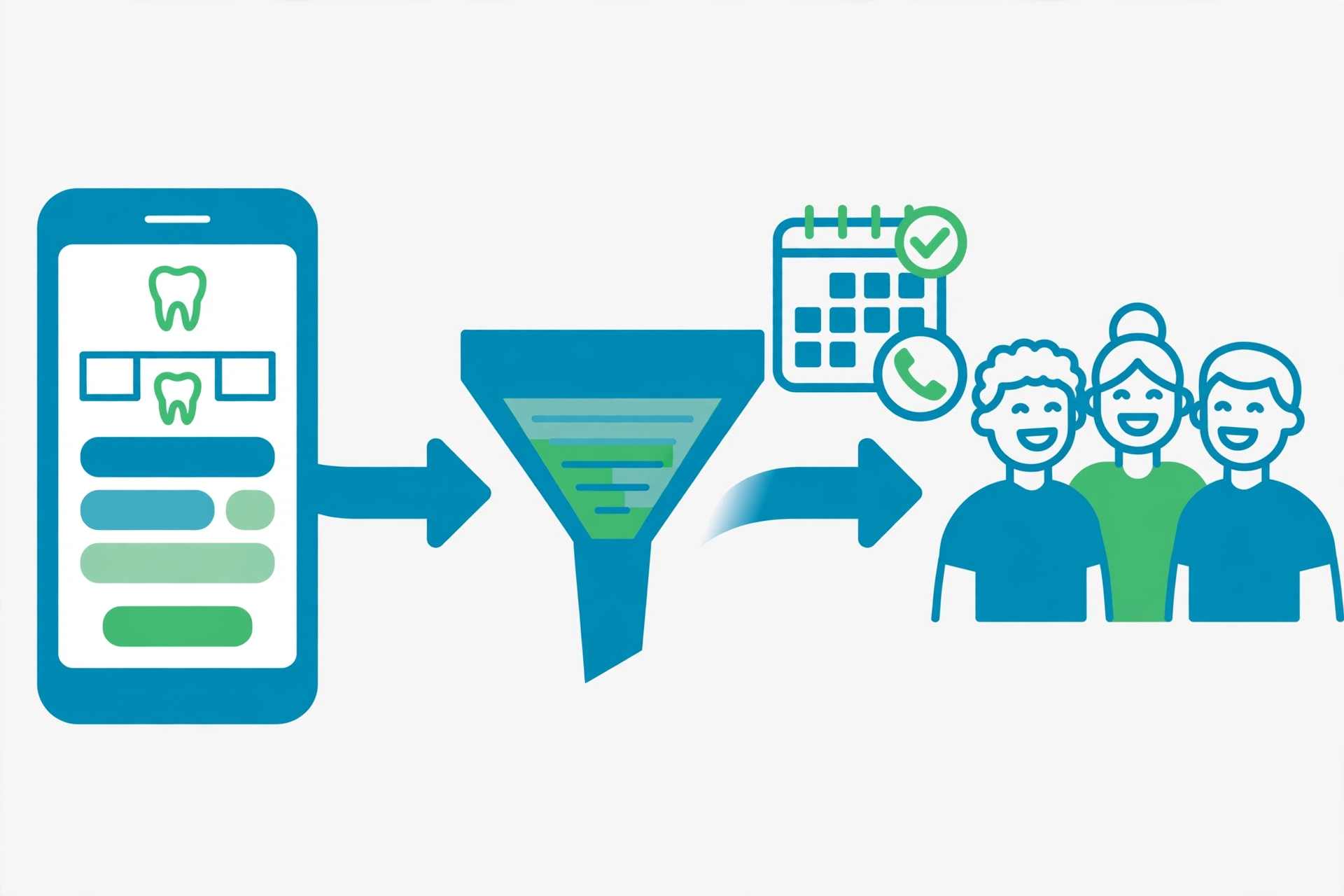
Use separate call tracking or tagged links for the Google Business Profile versus the website, so you know which asset produces appointments.
Step 6: Technical basics and schema
- Mobile speed: most local searches happen on phones. See our Core Web Vitals guide for what to measure.
- Structured data: Dentist is a Schema.org type under LocalBusiness and MedicalBusiness. Google’s local business documentation requires name and address, and recommends properties such as telephone, opening hours, geo coordinates, price range and url. Mark up only what is visible on the page, and validate with the Rich Results Test. Valid markup does not guarantee any special display.
- Indexing: check Search Console monthly to confirm treatment pages are indexed. Our Search Console guide shows where to look.
- Video: short doctor introductions and patient-consented testimonials can build trust; see our video SEO guide.
A sample first-month plan
Example scenario: a hypothetical single-location general practice wants more consultations for clear aligners and more same-week emergency visits. A reasonable first month could look like this.
- Week 1: audit the Google Business Profile against Google’s guidelines (name, categories, hours, services), fix inconsistencies in the address and phone number across the site and directories, and set up call and form tracking.
- Week 2: publish or rewrite two pages, one for clear aligners and one for emergency dental care, each with process, cost explanation, insurance links, credentials and a short FAQ.
- Week 3: add a neutral review invitation to the post-visit message for every patient, and draft approved, generic reply templates that never mention treatment.
- Week 4: check indexing in Search Console, test the booking path on a phone, and review which queries now show impressions.
Nothing in this plan depends on invented results. It simply sequences the work so the foundations are in place before you spend on anything else.
How long does it take?
There is no honest universal number. Competition, the age of your site and the state of your profile all matter. As a planning pattern, expect the first months to be foundation work (profile, pages, tracking, reviews), then gradual movement on lower-competition searches, then compounding gains if you keep publishing and collecting reviews. Be skeptical of anyone promising a guaranteed page one position in a fixed number of days.
Common mistakes
- Putting keywords or locations in the Google Business Profile name.
- One generic services page instead of dedicated treatment pages.
- Offering discounts for reviews, or asking only happy patients.
- Replying to a review with details about the visit.
- Counting traffic instead of calls and booked appointments.
Frequently asked questions
Can I use a Dentist schema type on my site?
Yes. Dentist is a valid Schema.org type, and Google recommends using the most specific LocalBusiness subtype available.
Should every suburb get its own page?
Only if you can fill it with genuinely unique, useful content. Near-identical pages that swap the city name add little.
Is it safe to thank a reviewer by name?
Be cautious. Confirming that someone was a patient can itself reveal information. Keep replies generic and move the conversation offline.
Sources
- Google Business Profile Help: Guidelines for representing your business
- Google Business Profile Help: Improve your local ranking
- Google Maps contribution policy: Fake engagement
- HHS Office for Civil Rights: settlement with a dental practice over review responses
- Schema.org: Dentist
- Google Search Central: Local business structured data
If you would like help with a dental site, you can contact SSA Agency.