Key takeaways
- SEO for hotels aims to make your own website and Google listing easier to find and book than a third-party booking site, so more reservations come direct.
- Your Google Business Profile is often the first thing a traveler sees. Accuracy and completeness matter more than tricks.
- Google offers hotel free booking links, which let a booking site appear across Google at no cost per click.
- Use the most specific structured data type for your property, and make sure the markup matches what visitors can see.
- Measure bookings and revenue, not only traffic.
A traveler searches for a boutique hotel near a conference center late in the evening. The results show map listings, hotel prices, and large booking sites. The property that looks accurate, trustworthy, and easy to book wins the click. SEO for hotels is the work of making your property that choice, especially on the channels you own.
Online travel agencies (OTAs) charge a commission on bookings they deliver, so every reservation you win directly keeps more revenue. This guide lays out seven steps, with a commission worked example, a comparison of booking channels, common mistakes, and sources you can verify.
Why Hotel SEO Differs From Standard Local SEO
A restaurant or a dentist competes mostly with similar local businesses. A hotel competes with those businesses, with large booking sites, and with Google’s own hotel results. Three things shape the strategy:
- Intermediaries. The searcher often compares prices across several sources before choosing where to book.
- Long research windows. Many travelers research the destination first, then pick a place to stay.
- High trust needs. A guest is paying for a place they have never seen, so photos, reviews, and clear facts weigh heavily.
| Booking channel | Who controls the guest relationship | Cost to the hotel | SEO angle |
|---|---|---|---|
| Your own website | You | No per-booking commission (you pay for site, engine, and marketing) | Rank for brand, location, and experience searches |
| Google free booking links | You, once the guest clicks through | No cost for clicks on free links, per Google | Needs a booking partner or Hotel Center setup and accurate prices |
| Online travel agencies | Mostly the OTA | Commission per booking (rates vary by contract) | Brand search, reviews, and direct-booking messaging |
Step 1: Build a Complete, Accurate Google Business Profile
Google’s guidance on representing your business emphasizes accuracy. Use your real-world business name without extra keywords or taglines, choose the most specific category that describes your core business, and use as few categories as possible. Keep your address, phone number, hours, and website accurate, and make sure the website link goes to a page that represents your property.
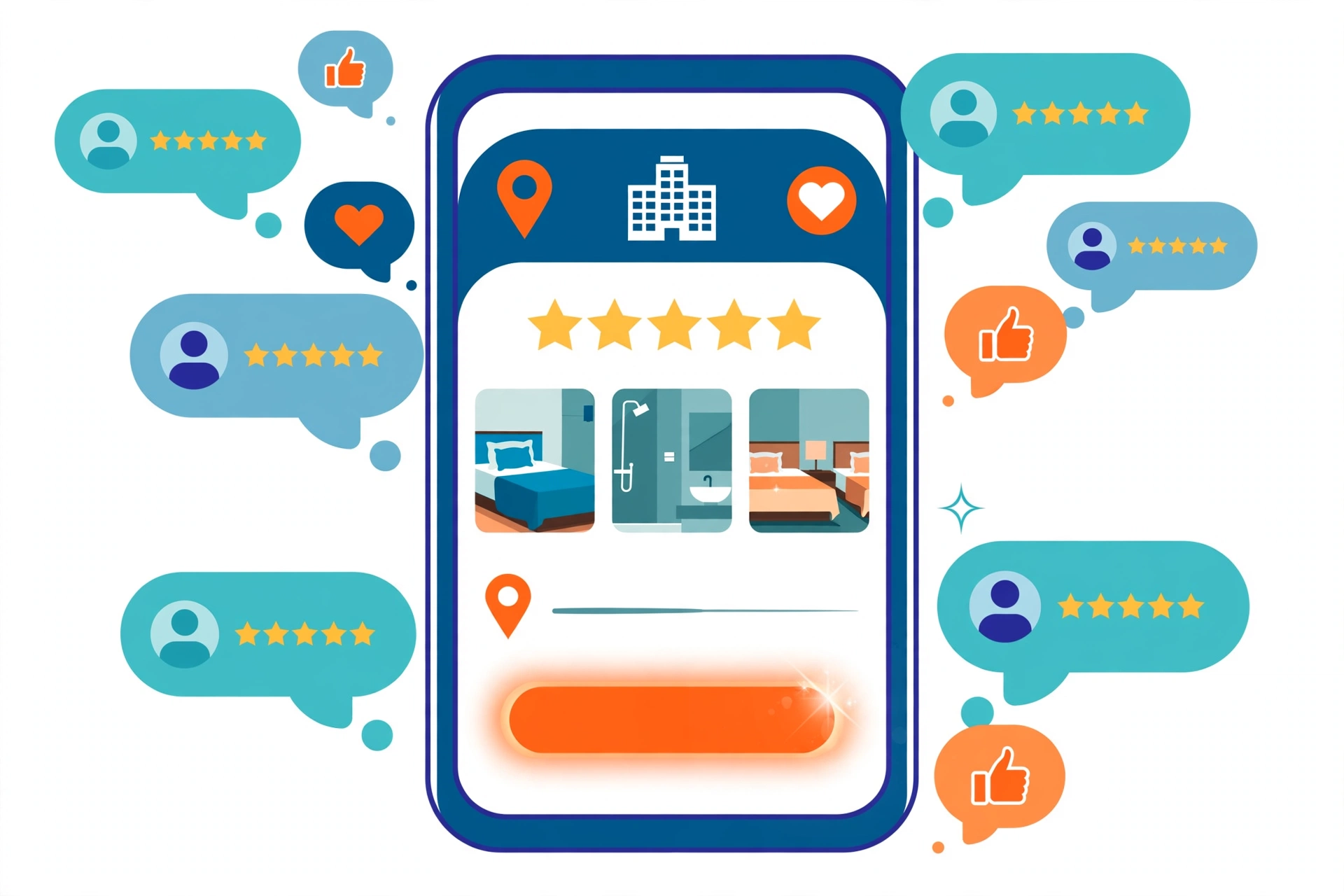
Beyond the basics, fill in every detail the profile offers for lodging: amenities, policies, photos of rooms and public areas, and a short, factual description that avoids promotions and links. The goal is to answer common questions before the guest has to ask. Our guides on how to optimize your Google Business Profile and NAP consistency cover the details.
Step 2: Use Google’s Free Booking Links
Google explains that hotel free booking links are unpaid links that let your booking site appear across Google when users search for hotels. They show your site or hotel name with the room rate, and clicks go to the landing page you provide. Google states that there is no cost for clicks on free booking links and that bids do not affect their ranking.
Eligibility depends on how you connect to Google. Existing Hotel Center partners are automatically eligible. New hotels or booking partners can follow Google’s starter guide, and hotel owners using a reservation system may be able to have their provider set the links up. Google says free links are ranked using signals such as user preference, value to the user, landing page experience, and historical price accuracy. In practical terms:
- Ask your booking engine or channel manager provider whether they support free booking links for your property.
- Keep the rates you send to Google accurate and up to date, since price accuracy is one of the ranking signals.
- Send guests to a fast, mobile-friendly landing page that shows the room and rate they clicked on.
- Review the performance data available in the Reports section of Hotel Center if you have access.
Step 3: Build Pages That Answer Traveler Questions
Your website should make decisions easy. Create a page for each room type and one for each major experience you offer, such as meetings, weddings, or long stays. Each page should cover facts a traveler wants before booking: size, bed types, amenities, photos, accessibility, parking, check-in and check-out times, and cancellation terms. Put these facts in text on the page, not in a PDF or image only. Google advises keeping important content in text form so it can be understood.
Write a title for each page that is unique and clearly describes the page, as Google’s title guidance recommends. Avoid repeating the same keywords. A room page might be titled with the room type and the hotel name, and a neighborhood guide with the area and what a guest can do there.
Step 4: Add Structured Data the Right Way
Structured data helps search engines understand your property. Google recommends using the most specific LocalBusiness subtype available. Schema.org defines Hotel as an establishment that provides short-term paid lodging, and it sits under LodgingBusiness and LocalBusiness. Useful Hotel properties include check-in time, check-out time, amenity features, pets allowed, star rating, price range, and number of rooms.
For Google’s local business features, the required properties are the business name and address. Recommended properties include geo coordinates, telephone, a URL for the location, opening hours where relevant, and price range. Follow these rules:
- Match the visible page. Markup should describe information that is actually on the page.
- Do not mark up your own reviews for stars. Google’s guidelines state that when a business controls the reviews about itself, its LocalBusiness or Organization pages are ineligible for the star review feature, including reviews pulled in through widgets.
- Do not expect FAQ rich results. Google has retired the FAQ rich result, so adding FAQ markup will not produce them. A clear FAQ section is still useful for guests.
- Test your markup with the Rich Results Test and monitor it in Search Console.
Step 5: Earn and Use Reviews Responsibly
Guest reviews help travelers decide, and the words in them describe your property in ways your own copy cannot. Ask guests after their stay with a simple, direct link, respond to reviews promptly and politely, and read them regularly for recurring themes. If many guests mention quiet rooms or an easy walk to a transit stop, make sure your website pages state those facts clearly, using the same language guests use. Follow Google’s review policies and never fabricate or select reviews.
Step 6: Publish Content for the Research Phase
Many travelers decide on a destination before they pick a hotel. Content that helps them plan can introduce your property at the right time. Good topics include guides to nearby neighborhoods, practical advice for events in your area, itineraries for specific traveler types, and seasonal planning pages. Use our keyword research process to find the questions travelers ask, and link each guide to the relevant room or booking page.
Google’s guidance on helpful content asks whether a page offers original information and value beyond what other results provide, and whether it shows real first-hand knowledge. A hotel is well placed to write from first-hand knowledge about its own neighborhood, so lean on that. Avoid publishing dozens of thin location pages that say the same thing.
Step 7: Make the Site Fast and Easy to Use on a Phone
Travelers often search and book on phones. Google lists good Core Web Vitals as Largest Contentful Paint within 2.5 seconds, Interaction to Next Paint under 200 milliseconds, and Cumulative Layout Shift below 0.1. Test your home page, a room page, and your booking page. Our Core Web Vitals guide covers common fixes.
Photos are central to hotel pages, so optimize them. Use descriptive file names, write meaningful alt text as described in our guide on how to write alt text for SEO, and follow the practices in our image SEO guide. Compress images and lazy-load galleries.
Measuring Results: The Commission Math
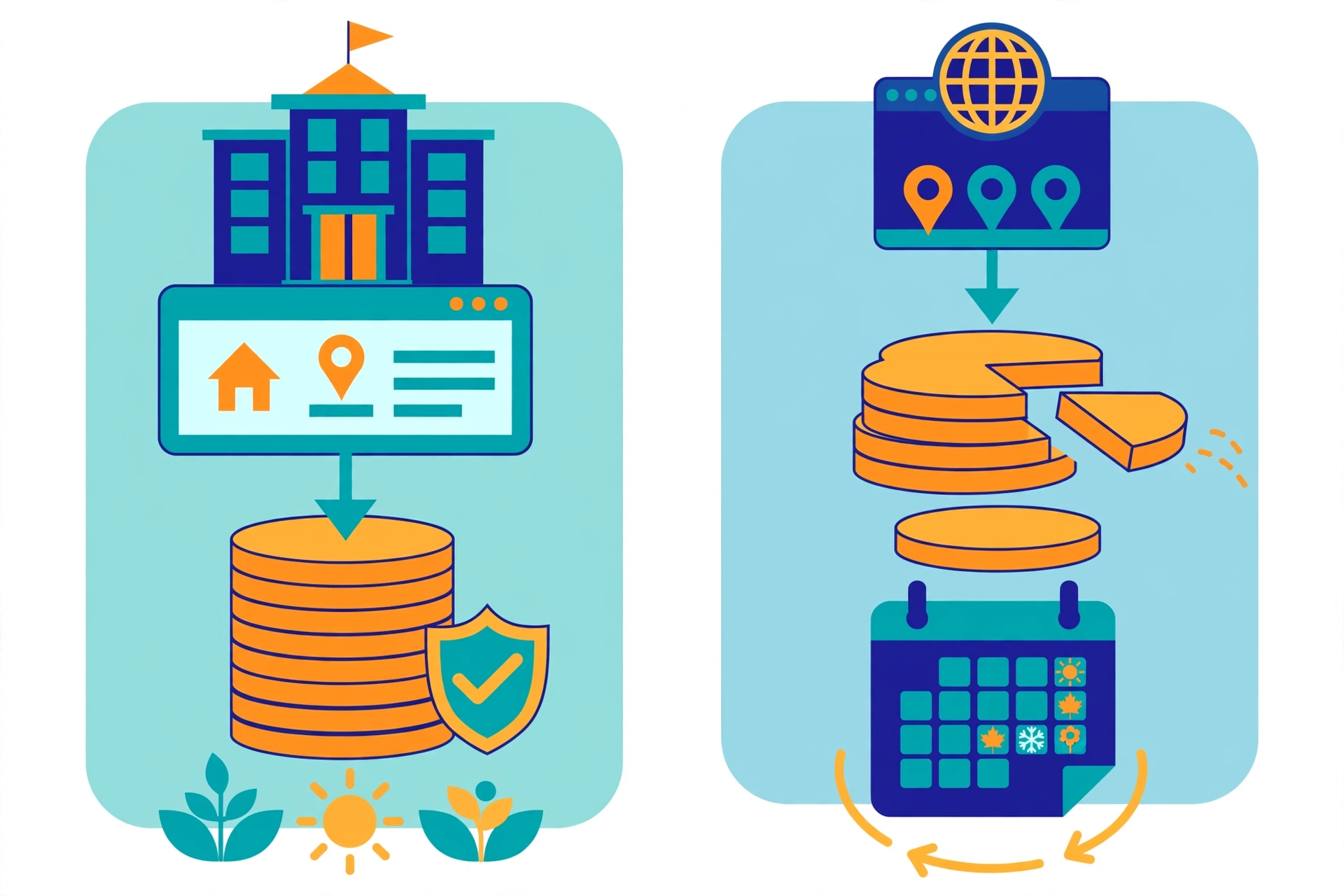
The business case is simple arithmetic. Direct bookings avoid the commission that an intermediary would charge.
Example scenario: These numbers are assumptions chosen for illustration, not benchmarks. A small hotel assumes an average booking value of $300, a hypothetical OTA commission of 18 percent, and 25 additional direct bookings per month that came from organic search and Google links.
| Item | Calculation | Result |
|---|---|---|
| Revenue from added direct bookings | 25 x $300 | $7,500 |
| Commission that would have applied | $7,500 x 18% | $1,350 |
| Annualized commission avoided | $1,350 x 12 | $16,200 |
Replace each assumption with your own contract rate and booking data. Remember that this is a gross figure, since you still pay for your website, booking engine, and marketing. Track three layers: visibility in Search Console (impressions, clicks, and top queries), bookings from organic and Google sources in your booking engine and analytics, and review volume and ratings over time. Our Search Console guide shows how to set up the first layer.
AI Search and Hotels
Travelers increasingly use AI features in search to plan trips. Google states that there are no additional requirements to appear in AI Overviews or AI Mode beyond being indexed and eligible to show a snippet. It recommends standard good practice: allow crawling, use internal links, provide a good page experience, keep important content in text, make sure structured data matches visible text, and keep Business Profile information current. There is no special file or markup to add. That means the work in the steps above is also your AI visibility plan.
Common Hotel SEO Mistakes
- Copying OTA descriptions. Write richer, original room and location pages on your own site.
- Hiding key facts in PDFs or images. Put menus, rates, and policies in HTML text.
- Stale prices. Outdated rates in feeds hurt trust and, for free booking links, accuracy signals.
- Self-reviewed star markup. Do not add review stars for reviews you control.
- Ignoring the booking page. Test the path from search result to confirmed booking on a phone.
- Counting traffic instead of bookings. A page that earns visits but no reservations is not working.
Quick Answers
Can an independent hotel outrank the big booking sites?
For broad searches like a city name plus “hotels,” it is difficult. Independents tend to win on brand searches, specific neighborhoods, experiences, and map results, where detailed local knowledge matters.
Is schema markup required?
No, but accurate structured data helps search engines understand the property. Use the most specific type, keep it matched to visible content, and avoid features Google does not support for your page type.
How soon will SEO affect bookings?
Profile and listing fixes can appear quickly after Google updates them. Content and site improvements usually take longer to be crawled, evaluated, and reflected in results, so review results over months rather than days.
If you would like help reviewing your hotel’s search presence, you can reach us at https://ssaagency.us/contact/.