Duplicate content is one of the most misunderstood topics in SEO. Some site owners panic about a penalty that Google does not describe, while others ignore duplicate URLs until the wrong version of a page starts showing up in search. This duplicate content fix guide walks through the whole cleanup: finding duplicates, choosing between a redirect, a canonical tag, or noindex, and fixing the situation where Google picks a different canonical than the one you declared.
Key takeaways
- Google says some duplicate content is acceptable and is not a spam violation. The real problem is that Google may choose a version you did not intend, and signals can be split.
- Canonicalization is Google’s process of picking one representative URL from a set of duplicates. Your rel=”canonical” tag is a strong signal, but Google may still choose a different URL.
- Use a redirect when a duplicate should disappear, rel=”canonical” when it must stay live, and noindex only when a page should never appear in search.
- Do not use noindex or robots.txt to pick a preferred version of a duplicate page.
- If Google ignores your canonical, check your own conflicting signals first: internal links, sitemap entries, redirects, and page content.
What Duplicate Content Actually Is
Duplicate content means the same or very similar content reachable at more than one URL. It can happen inside one site or across different sites. Google’s canonicalization documentation lists common causes: regional variants, device variants, HTTP and HTTPS versions, site functions such as sorting and filtering, and accidental variants such as a leftover demo site that crawlers can reach.
Google describes the process in plain terms. It clusters similar pages, picks the one it judges most complete and useful as the canonical, and crawls duplicates less often to reduce load. Search results usually point to the canonical page. So the question is not whether you will be punished, but whether Google will pick the page you want.
How Duplicates Hurt in Practice
- The wrong URL is chosen. A parameter or tracking variant may be selected as the canonical instead of your main page.
- Signals are split. Links and internal references point to several versions of the same page.
- Crawling is wasted. Google’s crawl budget documentation lists duplicate URLs and unimportant URLs, such as differently sorted versions of the same page, among the factors that waste crawl capacity. This matters most on large sites.
- Reporting gets messy. Performance is spread across several URLs, which makes analysis harder.
Common Sources of Duplicate URLs
- Tracking parameters such as
?utm_source=, plus sort and filter parameters. - HTTP and HTTPS, and www and non-www, when not redirected to one version.
- Trailing-slash variants of the same path.
- Product variants that have their own URLs but nearly identical copy.
- Printer-friendly pages, session IDs, and alternate versions.
- Republished or syndicated content on other domains.
- WordPress-specific extras: tag, author, and date archives, attachment pages, and internal search results.
Step 1: Find Your Duplicates
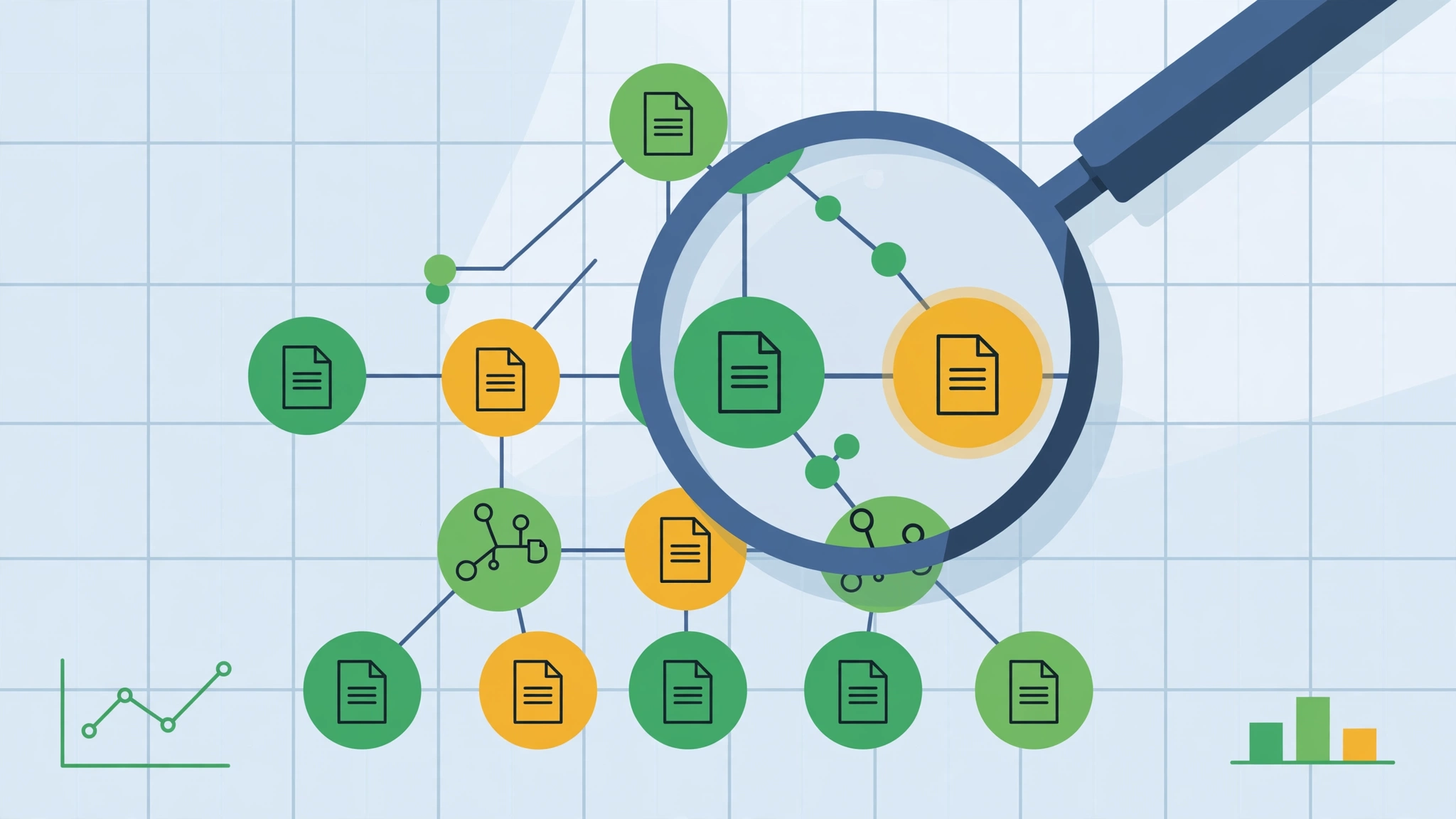
- Open the Page indexing report in Search Console. Look for “Duplicate without user-selected canonical” and “Duplicate, Google chose different canonical than user.” Google notes that the first is not an error, but it is where Google picked a canonical for you.
- Search for a distinctive sentence. Put a sentence from an important page in quotes with
site:yourdomain.com. Multiple URLs returning the same text is a duplicate cluster. - Crawl the site. Use a crawler such as Screaming Frog, or a site audit in your SEO suite, to list duplicate titles, near-duplicate pages, and parameter URLs.
- Review parameter URLs. Decide which ones create genuinely different pages and which only reorder or filter existing content.
Step 2: Choose the Right Fix
Google’s documentation on consolidating duplicate URLs ranks the main methods. Redirects are the strongest, rel=”canonical” is a strong signal, and including a URL in a sitemap is a weak one.
| Situation | Best fix | Why |
|---|---|---|
| Old URL, HTTP version, or trailing-slash variant that no one needs | 301 redirect | Removes the duplicate and points users and crawlers to one URL |
| Filtered, sorted, or tracking-parameter page that must stay live | rel=”canonical” to the main page | Keeps the page usable while stating the preferred version |
| Syndicated copy on a partner site | Ask the partner to canonical back to your original | Signals the original source |
| Internal search results, thin utility pages | noindex | Keeps the page out of search entirely |
| Non-HTML files such as PDFs | rel=”canonical” in the HTTP header | Works where there is no HTML head |
Google also lists what not to do: do not rely on robots.txt for canonicalization, because disallowed URLs can still be indexed; do not use the URL removal tool for canonicalization; and do not use noindex to choose a canonical within your own site, because it removes the page from search entirely.
Canonical Tag Rules That Keep Signals Clean
- Use absolute URLs. Google advises absolute URLs, not relative paths.
- Add a self-referential canonical. The preferred page should point to itself.
- Use one method. Choose either the HTML element or the HTTP header, not both, since mismatched URLs cause errors.
- Do not name different canonicals through different methods for the same page.
- Do not use a URL fragment as the canonical.
- Link internally to the canonical URL. Navigation, breadcrumbs, and body links should use the preferred version.
- Declare it in the HTML source. If JavaScript has to set the canonical, avoid changing it afterward.
Step 3: When Google Ignores Your Canonical
Search Console may report “Duplicate, Google chose different canonical than user.” Google describes it this way: the page is marked as canonical for a set of pages, but Google thinks another URL makes a better canonical. Work through this checklist.
- Inspect the URL. Compare the “Google-selected canonical” with the “User-declared canonical” in URL Inspection.
- Compare the actual pages. Google says that if your declared canonical is not similar to the current page, it will not choose that URL as the canonical. Pages that are not true duplicates should not point at each other.
- Check internal links. If navigation and body links point at the variant Google chose, your site is voting for it.
- Check redirects and HTTPS. Google lists HTTP versus HTTPS and redirects among the signals it uses. A canonical target that redirects or errors undermines the tag.
- Check the sitemap. Only canonical URLs should be listed. Google says the sitemap is only a weak signal, but a sitemap that lists the wrong variant adds noise.
- Fix, then monitor. After correcting conflicts, request a recrawl of the important URLs and watch the report over the following weeks.

Example Scenario: A Store With Filter URLs
Example scenario: Imagine an online shop whose category page /shoes/ can also be reached as /shoes/?sort=price, /shoes/?color=blue, and /shoes/?utm_source=newsletter. All four show largely the same products. Search Console lists several of them under duplicate statuses, and the sort URL appears in the sitemap because a plugin added it.
A reasonable cleanup for this hypothetical shop:
- Keep the filter and sort pages working for shoppers, and add a self-referencing canonical on
/shoes/and a canonical to/shoes/on the sort and tracking variants. - Remove parameter URLs from the XML sitemap so it lists only
/shoes/. - Update breadcrumbs and menu links so they use
/shoes/and never a parameter version. - Decide whether a color filter has real search demand. If it does, it may deserve its own unique page and self-canonical. If not, canonical it to the main category.
- Re-inspect the main URL in Search Console and confirm the Google-selected canonical matches.
Duplicates on Other Websites
If another site copies your content, first confirm the copy exists by searching a distinctive sentence in quotes. If you license or syndicate your articles deliberately, ask the partner to add a canonical pointing to your original. For unauthorized copies, contact the site owner and consider Google’s copyright removal process. Publishing a strong original with clear internal linking, and making sure it is indexed first, also helps.
WordPress Quick Sweep
- Noindex thin tag, author, and date archives if they repeat your post lists.
- Redirect attachment pages to the parent post.
- Keep internal search result pages out of the index.
- Confirm your SEO plugin outputs a self-referencing canonical on every template, then spot-check with view-source.
Common Mistakes
- Canonicalizing pages that are not actually similar, then wondering why Google ignores the tag.
- Blocking duplicate URLs in robots.txt so Google cannot see the canonical tag at all.
- Adding noindex to a duplicate while also pointing a canonical at it or from it.
- Listing duplicates in the sitemap.
- Fixing the tags but leaving internal links pointing at variants.
- Expecting results overnight. Google needs to recrawl and reprocess the pages.
Frequently Asked Questions
Is there a duplicate content penalty?
Google’s documentation says some duplicate content is acceptable and is not a spam violation. The risk is that Google chooses a different canonical than you wanted, not a penalty.
Should I use a redirect or a canonical tag?
Use a redirect when the duplicate URL has no reason to exist. Use a canonical when it needs to remain accessible, such as a filtered view.
Is a canonical tag a command?
No. Google treats it as a strong signal along with others, such as redirects, HTTPS, and sitemap inclusion, and may select a different URL.
Sources
- Google Search Central: What is URL canonicalization
- Google Search Central: How to specify a canonical URL
- Search Console Help: Page indexing report
- Google Search Central: Managing crawl budget for large sites
- Google Search Central: Build and submit a sitemap
Related reading: how to rank in Google AI Overviews and what llms.txt is. If you need help mapping a duplicate cluster to the right fix, you can reach us at ssaagency.us/contact.