Key takeaways
- Each physical location needs its own Google Business Profile, with one profile per location and no duplicates, according to Google’s guidelines.
- Chains should use the same name and category at all locations within a country, with limited documented exceptions.
- Google’s spam policies treat pages that target many cities and funnel users to one page, or near-identical pages that differ only by place name, as doorway abuse. Give each location page real, unique substance.
- Businesses with 10 or more locations of the same business can manage profiles in bulk. Service-area businesses are not eligible for bulk verification.
- Reporting must be per location. A brand-wide average hides weak branches.
Ranking one location is a well-understood job. Once you open a second, third, or thirtieth branch, the work changes. Each location competes in a different local market, with different competitors, and Google evaluates relevance, distance, and prominence for each profile separately. This local SEO for multiple locations guide builds the system from Google’s published rules, then adds a governance model and a measurement scorecard you can adapt.
Why multi-location SEO needs its own system
Google’s help page on local ranking explains that results are based mainly on relevance, distance, and prominence. Distance is measured from the searcher, so a single central profile cannot serve customers near every branch. That is why each location needs its own profile and its own page. Two structural problems then appear:
- Uneven markets. A branch in a dense city competes with many nearby businesses. A suburban branch may face fewer. Treating them identically means effort is wasted in some places and insufficient in others.
- Template sprawl. Clone a page thirty times and change only the city name, and you create the exact pattern Google’s spam policies describe as doorway abuse.
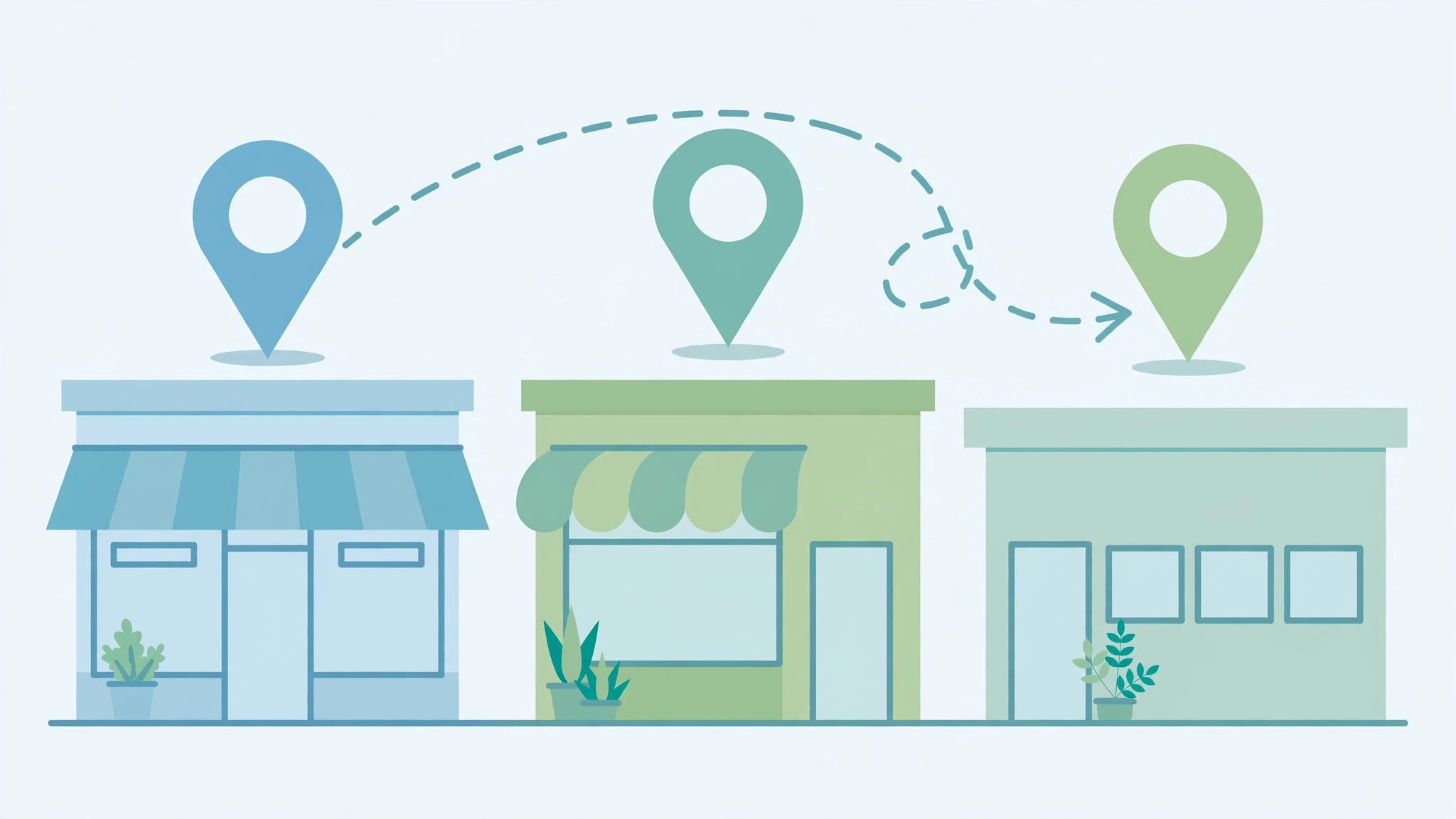
Step 1: One Business Profile per physical location
Google’s guidelines say each business should have one profile and each location one page, whether in one account or several. Duplicates can cause display problems in Maps and Search. Other documented rules that matter for chains:
- Chains should use the same name and category at all locations within a country. Exceptions exist for sub-brands and for locations that consistently use a different name on their signage.
- Departments that operate as distinct, public-facing entities can have their own profiles if each has a different name and category from the main business and from other departments.
- Individual practitioners, such as doctors or lawyers, can have their own profile if they are public-facing and can be contacted at the verified location during stated hours. Support staff cannot create profiles.
- Each location needs a real physical address. P.O. boxes, remote mailboxes, and virtual offices are not acceptable.
- Businesses with several locations, each with separate service areas and staff, can have one profile per location. Google notes service areas generally should not extend more than about two hours of driving time from the base, though larger areas may be allowed for some businesses.
Keep a simple register of every profile, who owns it, and which page it points to. Duplicates usually appear when a new manager creates a fresh profile instead of requesting access to the existing one.
Step 2: Use bulk tools when you qualify
Google’s help page for managing multiple locations says bulk management applies to businesses with 10 or more locations of the same business. Uploading a spreadsheet does not by itself send a verification request, so you submit that separately. For bulk verification the page lists these conditions:
- At least 10 profiles from the same business. Duplicate, suspended, or disabled profiles do not count.
- Agencies with more than one business in one account cannot bulk verify.
- The spreadsheet must list all profiles you manage, and the count should match your actual business size.
- Service-area businesses are not eligible.
- No verified account can already exist for the same profiles. If someone else has verified a profile, you must request access.
If you have fewer than 10 locations, you verify each profile individually, which is manageable with a checklist.
Step 3: Build a distinct page for every location
Each location needs its own indexable URL, such as /locations/phoenix-az/. A page that is reachable only through a dropdown, a script, or a map widget may not be crawlable. Google’s link guidance says it generally follows only links that are anchor elements with an href attribute, so build your locations hub with ordinary links to every branch page, and link back from each branch page.
Now the quality test. Google’s doorway abuse definition includes multiple pages targeting specific regions or cities that funnel users to one page, and substantially similar pages that sit closer to search results than a clearly defined, browsable hierarchy. To stay clear of that, make each page genuinely different:
- The branch’s own address, local phone number, hours, and map.
- Staff, services, and offers that actually vary by branch.
- Local proof, such as real testimonials from that branch, and details about parking or transit.
- Answers to questions specific to that area or branch.
If a branch has nothing different to say, consider whether it needs a standalone page at all, or whether one clear page with a branch list is more honest.
Step 4: Add LocalBusiness structured data per location
Google’s LocalBusiness documentation says to define each local business location as a LocalBusiness type, using the most specific subtype that fits. Required properties are name and address. Recommended properties include telephone, url (the fully qualified URL of the specific location), geo coordinates with at least five decimal places, and openingHoursSpecification. It is a reasonable reading that each location page should carry its own markup with its own URL, though the page does not explicitly require a separate page per location. Always make the markup match what a visitor sees on the page.
Step 5: Keep one canonical record per location
Create a single source of truth for each branch: name, address, phone, hours, URL, categories, and services. Check your profile, location page, markup, and any listing against it on a schedule. Google’s guidelines say the phone number must connect to the specific location and be under the business’s direct control, and that a local number is preferable to a central call-center line when possible. If you use call tracking on the website, decide deliberately which number is the main one on the profile and keep it consistent with your site. Never let tracking-number choices create conflicting numbers for the same branch.
Step 6: Route reviews to the right branch
Reviews affect prominence, and Google states that more reviews and positive ratings can help your local ranking. Give each branch its own review link and QR code. Google’s help page, as reported by PPC Land, describes official review links and QR codes created from the profile dashboard. The same policy prohibits offering incentives for reviews, so train staff accordingly. Reply to reviews at the branch level, using the branch’s name and the service delivered.
Step 7: Governance, so it stays clean
Most multi-location problems are not technical. They come from many people touching listings. A lightweight governance model helps:
- Locked centrally: business name format, primary category, URL structure, schema template, the canonical record.
- Editable locally: photos, posts, review replies, local offers, event details.
- Change control: any edit to a locked field goes through one owner and gets logged.
- Quarterly audit: check for duplicates, mismatches between record and profile, access lists, and dead location pages.
This model is a recommended working practice rather than a Google requirement, but it directly supports the guideline that names and categories stay consistent across a chain.
Step 8: AI search and llms.txt
Local questions are increasingly answered by AI features. Google states that for AI Overviews and AI Mode there are no special requirements beyond normal Search eligibility, and no new machine-readable files or AI text files are needed. Some site owners still publish a file called llms.txt for other tools, and you can read our explainer on what llms.txt is. Treat it as optional. What helps most is consistent, accurate location facts across your site and profiles, and clear text on the page. For the wider picture, see our guide on ranking in Google AI Overviews.
A per-location scorecard (suggested framework)
Brand-level reporting hides problems. The table below is a suggested framework to adapt. The metrics are ones you can pull from Search Console, the profile’s performance data, and your own tracking. The “what to look for” column is guidance, not a Google threshold.
| Metric | Where to get it | What to look for |
|---|---|---|
| Profile views and actions | Business Profile performance data | Trend over several months, compared with the branch’s own history |
| Review count and rating | Profile | Gap versus the top nearby competitors, not versus your best branch |
| Review response rate | Profile | Are recent reviews answered? |
| Location page clicks and impressions | Search Console, filtered to the page | Is the right page ranking for the right area? |
| Data accuracy | Audit against canonical record | Any mismatch in name, address, phone, or hours |
| Calls and direction requests | Profile and call tracking | Compare branches of similar size |
Example scenario: a four-clinic dental group
Example scenario: A hypothetical group, Northgate Family Dental, has four clinics in two cities. Each clinic has its own profile, but the group has one shared “Locations” page listing all addresses, and the clinics share a single phone number.
- Audit: they confirm each clinic has exactly one verified profile and remove a duplicate created by a former manager.
- Pages: they replace the shared page with a hub linking to four branch pages, each with its own address, hours, dentist bios, and parking details.
- Phones: each clinic gets a local number on its profile and page.
- Schema: each branch page gets LocalBusiness markup with its own url and telephone.
- Reviews: each clinic gets its own review QR code at the front desk, with no incentives.
- Review: each quarter they compare each clinic against nearby competitors, not against each other.
This is an illustration of the sequence, not a prediction of results.
Common mistakes
- One profile for the whole company. It cannot serve multiple markets.
- City-swap pages. Changing only the place name creates doorway risk.
- Shared phone numbers across branches. The guidelines call for numbers tied to the location.
- Different business names per branch. Chains should keep a consistent name within a country, with limited exceptions.
- Using a virtual office address. Not eligible.
- Reporting only totals. Weak branches stay invisible.
Frequently asked questions
How many profiles should a multi-location business have?
One per physical location, with no duplicates. Businesses with separate service areas and staff per location can have one profile per location.
Can service-area businesses use bulk verification?
No. Google lists service-area businesses as not eligible, and you need at least 10 eligible profiles.
Does each location need its own page?
It is the cleanest approach, provided each page has real, branch-specific content. Pages that differ only by place name risk being treated as doorway pages.
If you are planning a rollout and want to talk it through, you can reach us at ssaagency.us/contact.
Sources
- Google Business Profile Help: Guidelines for representing your business on Google
- Google Business Profile Help: Manage multiple locations and bulk verification
- Google Business Profile Help: How to improve your local ranking on Google
- Google Search Central: Spam policies for Google web search
- Google Search Central: Local business structured data
- Google Search Central: Link best practices for Google