A podcast is audio, and search engines work mostly with text. That gap is why great shows can stay hard to find. Podcast SEO is the work of giving search systems and listeners the words they need: clear titles, useful descriptions, a healthy RSS feed, and a web page for each episode with a transcript and chapters. This guide explains what each major surface reads, how to build an episode page that can rank, how to keep your feed in good shape, and how to measure whether the effort is working. Platforms rarely publish their full ranking formulas, so where this guide describes tactics, it separates documented requirements from sensible practice.
Key takeaways
- Your RSS feed is the source of truth. Apple and Google both document feed requirements, and a broken feed can keep episodes from appearing.
- Write titles and descriptions for people first: say plainly what the show and each episode cover.
- Publish a dedicated page for every episode, with a summary, a reviewed transcript, and descriptive timestamps.
- YouTube can create videos from your RSS feed, which adds another place to be found.
- Never change episode GUIDs, and use a permanent redirect plan when you change hosts.
- Measure each surface in its own dashboard rather than relying on download counts alone.
What Podcast SEO Covers
It is really two jobs. The first is discovery inside listening apps and video platforms, where search relies on the text you provide plus listener behavior the platform measures. The second is discovery on the web, where Google ranks pages, not audio files, so your episode pages need to carry the information. One well-prepared episode can feed both.
No platform publishes a complete list of ranking factors, so be wary of confident claims about exact weighting. The safe approach is to meet the documented requirements, describe your content accurately, and give every surface the text it can read.
What Each Surface Reads
| Surface | What it uses (documented or widely observed) | What to do |
|---|---|---|
| Apple Podcasts | Your RSS feed: title, description, category, artwork, and episode data. Apple requires an RSS 2.0 feed, artwork, and a unique enclosure for each episode | Follow Apple’s feed requirements and use accurate category names |
| Spotify | Show and episode metadata you provide, plus analytics in Spotify for Creators, which also supports video podcasts | Write clear episode titles and descriptions, and check your analytics |
| YouTube | Video titles, descriptions, and timestamps. YouTube can create a video for each episode from your RSS feed | Connect your feed, then improve titles, descriptions, and chapters |
| Google Search | Web pages, structured data, and video signals. Google also has podcast guidelines that depend on a valid RSS feed | Publish crawlable episode pages and keep your feed valid |
The honest takeaway is that clear, accurate text helps everywhere, and each platform’s own help pages are the best place to check current specifics.
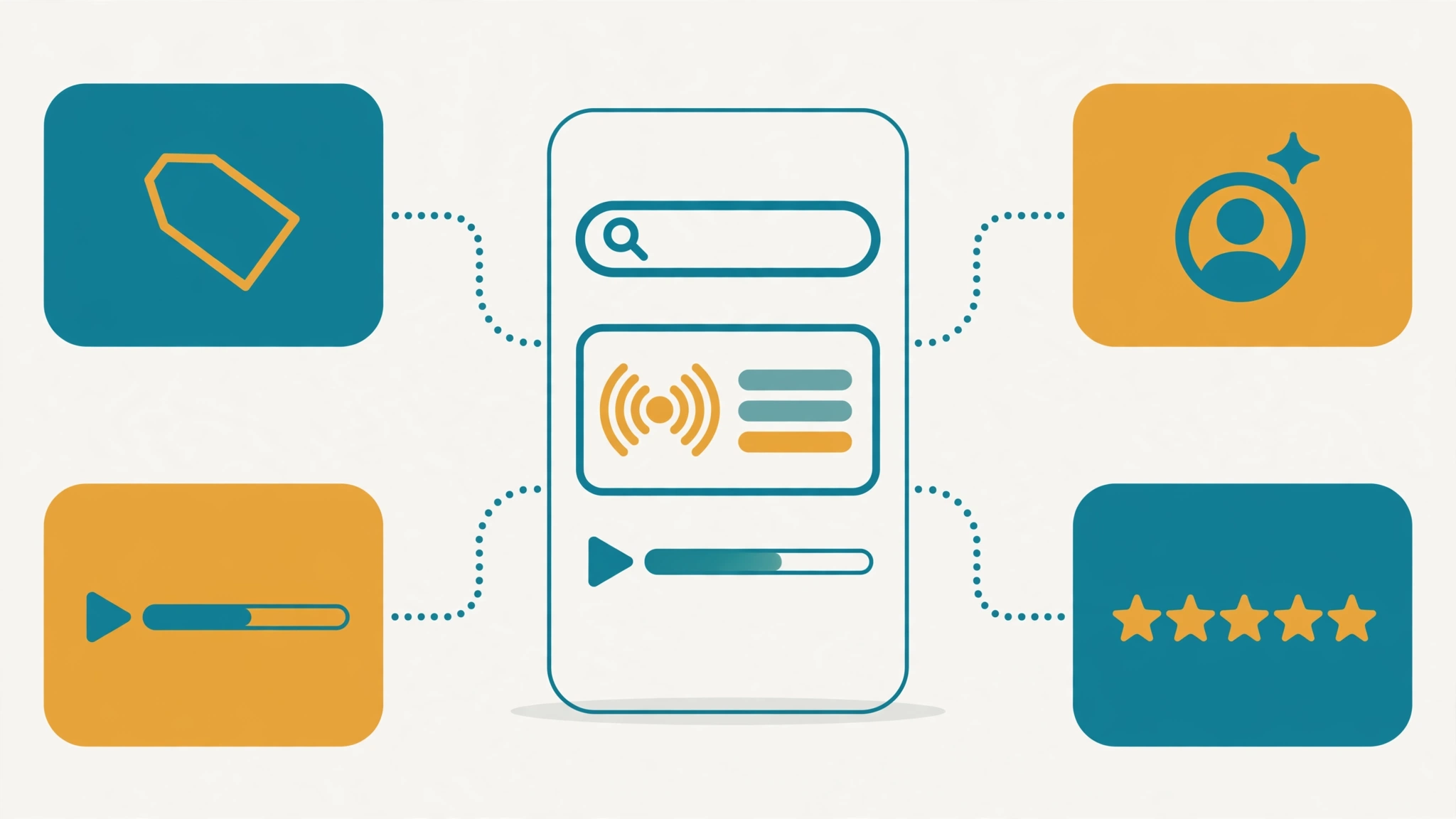
Step 1: Name and Describe Your Show Clearly
A listener scanning search results needs to know what your show is in a second. Compare these hypothetical show names:
- “The Hustle Pod” tells a stranger nothing.
- “Freelance Writing for Beginners” says who it is for and what it covers.
You can keep a creative brand and still add a plain subtitle or tagline. Write a show description that opens with the topic, the audience, and the format, in natural language. Avoid stuffing keywords, which makes the show look untrustworthy to people and offers little benefit. Pick a category that fits and write it exactly as Apple lists it, since Apple’s documentation notes that category names must match the official capitalization.
Step 2: Write Useful Episode Titles and Descriptions
Put the searchable topic first and the hook second. “Pricing a Freelance Writing Project: Three Common Mistakes” works better than “Episode 42: Big Lessons.” Then write a description that:
- States what the listener will learn in the first sentence or two.
- Names the guest and their role.
- Lists the main topics, tools, or books discussed.
- Links to resources and the episode page on your site.
Use keyword research to learn the phrases people use, but write the way you would explain the episode to a friend. Avoid HTML and special characters that feeds cannot handle. Apple’s documentation says to escape special characters such as ampersands, and YouTube’s RSS ingestion rejects titles and descriptions containing characters like “<" and ">“.
Step 3: Build an Episode Page That Can Rank
Google ranks web pages, so each episode needs one. A strong page contains:
- A headline and a short summary stating what the episode answers.
- The audio or video player.
- Key takeaways in a short list.
- Descriptive timestamps (see below).
- A guest bio with links.
- Resources mentioned.
- A transcript with speaker names.
- Links to related episodes.
Example scenario: a hypothetical show about home cooking posts an episode on knife skills. The page title is “Knife Skills for Home Cooks,” the summary names the three cuts covered, the timestamps point to each technique, and the transcript lets a reader skim to the section they need. A searcher who never opens a podcast app can still find and use it.
Transcripts
A transcript turns spoken content into indexable text and makes the episode accessible. Automatic transcripts contain errors, especially on names and technical terms, so review them. Break the text into sections that match your chapters and add speaker labels. Do not paste a raw machine transcript with no editing, and do not use the transcript to repeat the same phrase artificially.
Timestamps and chapters
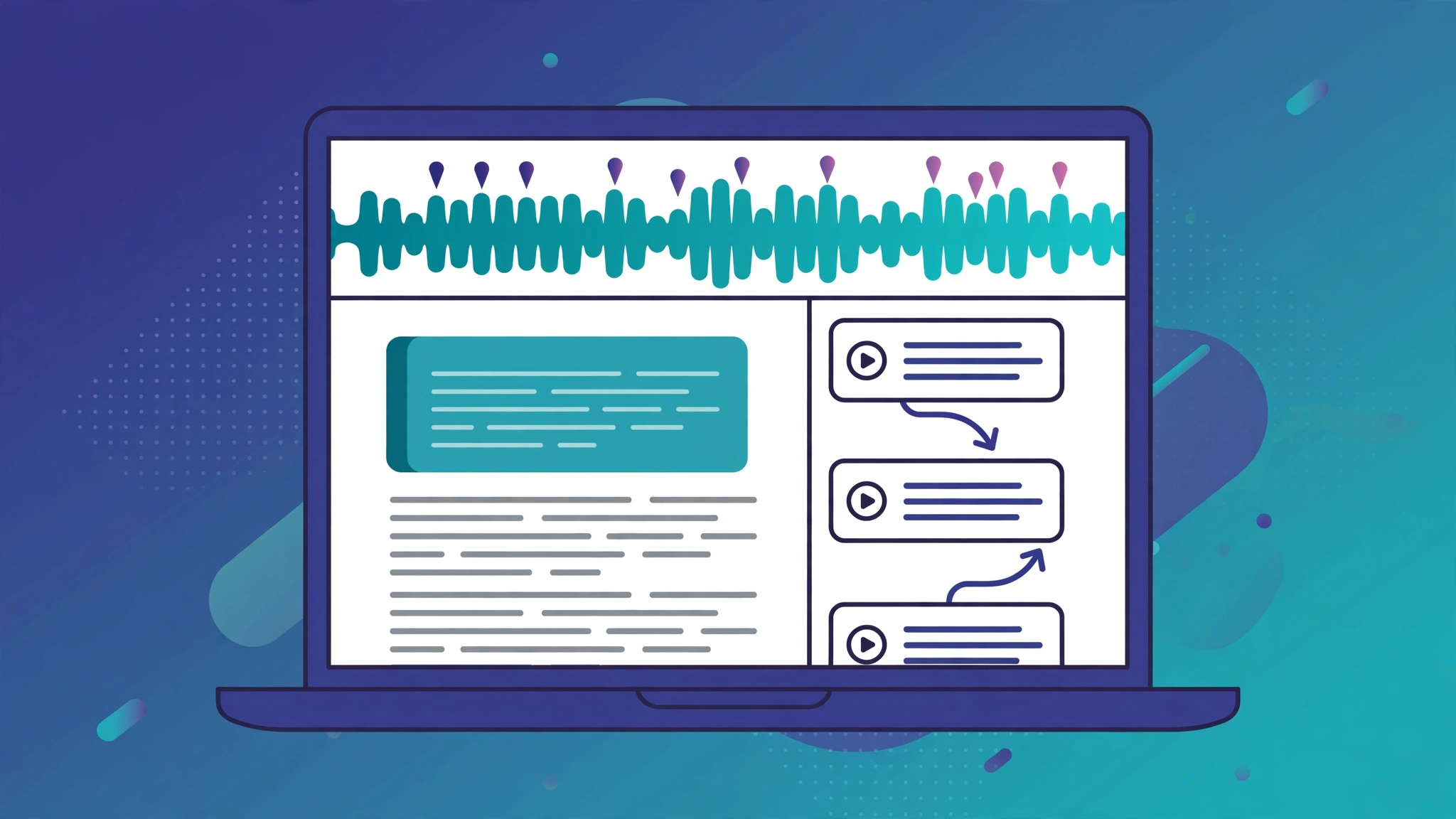
Google’s video documentation explains that Google tries to detect key moments automatically, but moments you define take priority. For videos hosted on YouTube, timestamps and labels in the video description are the method. For self-hosted video, Clip structured data defines start and end times and labels. Write labels that describe the content, such as “05:00 How to price a fixed-fee project,” rather than “05:00 Segment 2.”
Step 4: Add YouTube
According to YouTube’s help page on RSS feeds, audio-first creators can connect an RSS feed so that YouTube creates a video for each chosen episode using your show art as a static image. New episodes upload automatically. Points to know:
- RSS ingestion is available only in select countries and regions.
- Episodes first upload as private, and you can set a default visibility.
- To avoid duplicates, set the date so only episodes newer than those already on YouTube are uploaded.
- Back catalog episodes do not trigger subscriber notifications.
- Changes to show details in the feed are not applied automatically.
- Sponsorships and endorsements must be disclosed through the branded content setting.
After ingestion, improve titles, descriptions, and chapters in YouTube Studio. For wider video guidance, see our video SEO guide.
Step 5: Keep Your RSS Feed Healthy
Technical errors are easy to miss and costly. Use these checks, drawn from Apple’s podcast requirements and Google’s podcast guidelines:
- Valid RSS 2.0. The feed should be well-formed, publicly accessible, and include artwork and at least one episode.
- Permanent GUIDs. Apple says each episode needs a globally unique identifier that never changes. If your host regenerates them, directories may treat old episodes as new.
- Unique enclosures. Each episode needs its own enclosure with URL, length, and type. Apple ignores duplicate enclosure URLs.
- Correct dates. Use RFC 2822 date formatting with a time zone offset.
- Accessible files. Hosting should allow HTTP HEAD and byte-range requests so audio and artwork load correctly.
- A working homepage link. Google says the channel link should be the fully qualified homepage URL, publicly accessible, so Google can associate the page with the show.
- One protocol. Google recommends HTTP or HTTPS consistently across the feed, homepage, and audio files, with HTTPS preferred.
- A plan for host changes. Google recommends adding the itunes:new-feed-url tag to the new feed when you move. Keep the old feed redirecting, and confirm episodes still appear after the move.
Google also notes that episodes are indexed from the feed, not crawled from your web pages, and that video episodes are not supported in that system. This is another reason the feed and the web page should both be complete.
Step 6: Write for Entities and Questions
Search and AI systems both benefit from clear, specific writing. Name the people, tools, books, and places discussed. State the main answer of the episode in a short passage that can stand alone. Link related episodes under topic hubs so the structure is easy to follow. Our guides on entity SEO and GEO versus SEO explain the thinking. Be realistic about AI visibility: Google says there are no additional requirements or special optimizations for AI Overviews and AI Mode. Pages need to be indexable and helpful, key content should be in text, and structured data should match what is visible. There is no trick that guarantees a citation.
Step 7: Measure Each Surface
- Google Search Console. Filter the Performance report to your episode pages. Look at queries, clicks, impressions, and average position. Refresh pages that get impressions but few clicks. Our Search Console guide covers setup.
- Spotify for Creators. Use its analytics to see how listeners find and play episodes.
- Apple Podcasts analytics. Review plays, followers, and listening patterns in your Apple dashboard.
- YouTube Studio. Check which search terms and sources bring viewers.
- Your host. Use download data as a general indicator, not as proof of discovery.
Change one thing at a time, such as a title format, and give it several weeks before judging. Results vary by show size and niche, and no outside benchmark should replace your own trend lines.
Common Podcast SEO Mistakes
- Vague titles. Lead with the topic.
- No episode pages. Without a web page, Google has little to rank.
- Raw transcripts. Unedited text with errors hurts credibility.
- Changing GUIDs or feed URLs carelessly. It can break episode history in directories.
- Submitting duplicate shows. It splits followers and reviews across listings.
- Keyword stuffing. It makes descriptions unreadable.
- Ignoring the back catalog. Update older pages with new links and corrected information.
Frequently Asked Questions
Do transcripts help podcasts rank?
They give Google text to index on your episode pages and make content accessible. They do not guarantee rankings.
How long does podcast SEO take?
It varies. Metadata fixes can take effect quickly in apps, while new web pages need time to be crawled and to earn visibility. Track trends over months.
Do I need video?
No, but video episodes are supported on Spotify and YouTube, and YouTube can turn your audio feed into videos. Both can widen discovery.