SEO for Shopify is how your store shows up when someone searches for what you sell — without paying for every click. In 2026, that is harder than it used to be: AI Overviews now answer a growing share of ecommerce queries above organic results, ad costs keep rising, and thin product pages are losing ground to stores with real content depth and technical credibility.
The good news: Shopify handles half of SEO automatically. SSL, sitemaps, canonical tags, and robots.txt all ship by default. The stores winning organic search in 2026 are not doing anything exotic — they have clean structures, optimized product and collection pages, and content built around what customers actually search for.
This guide walks you through SEO for Shopify in seven steps, in the order that matters. Every step includes actions you can implement without a developer.
SEO for Shopify is not a one-time setup — it is a compounding investment.
Why SEO for Shopify Is Different
SEO for Shopify looks different from generic ecommerce SEO because the platform sets its own rules.
Shopify is not WordPress. The platform makes several decisions for you, which is a blessing when it handles canonicals and sitemaps automatically — and a trap when its defaults quietly create duplicate content or slow down your theme.
Constraints you cannot change:
- Forced URL structure. Every product lives at `/products/`, every collection at `/collections/`. You cannot rename these prefixes, so keep product handles short and keyword-rich.
- Limited server control. No .htaccess, no server-level redirects. Everything happens through Shopify’s URL Redirects tool and theme files.
- Theme + app bloat. Every installed app injects JavaScript. Most slow Shopify stores are slow because of apps, not the theme.
Work within these constraints instead of fighting them. The checklist below is built for exactly that.
This playbook for SEO for Shopify starts with technical foundations and ends with authority.
How to Do SEO for Shopify: The 7-Step Playbook
Step 0: Set Up Technical SEO for Shopify
Before touching keywords or content, confirm Google can find, crawl, and index your store. If it cannot, nothing else moves the needle.
Submit your sitemap. Shopify generates one automatically at `yourstore.com/sitemap.xml`. Verify your domain in Google Search Console (our Google Search Console guide walks through setup), open the Sitemaps menu, and submit `sitemap.xml`. After adding or deleting products, confirm the sitemap updated.
Tame your robots.txt. Shopify lets you customize robots.txt via a `robots.txt.liquid` template. Block low-value crawl targets:
- Internal search result pages (`/search?q=…`)
- Checkout and account pages
- Filtered collection URLs from sorting (price low-to-high, newest, etc.)
Fix variant duplicate content. When a shopper picks a different color or size, Shopify generates a variant URL like `/products/white-sneakers?variant=12345`. Themes should canonical to the plain product URL — verify this renders correctly with Search Console’s URL Inspection tool. If variant URLs are indexed separately, you are splitting authority across duplicates. The one exception: single tag URLs stay indexable with their own canonical, so either build them out as real collections or noindex them.
Set up 301 redirects for dead products. Deleting a product creates a 404 that wastes crawl budget and kills user experience. Use Shopify’s built-in URL Redirects tool (Online Store → Navigation → URL Redirects) to point every removed URL at the most relevant live page. Build a helpful custom 404 page with navigation links, a search bar, and bestsellers for the ones you miss.
Getting technical SEO for Shopify right first prevents months of wasted effort later.
Step 1: Build a Flat Site Structure
Google and shoppers both reward stores where every page sits within three clicks of the homepage. Keep it simple:
- Small stores: Homepage → Collection Pages → Product Pages
- Large stores: Homepage → Collection Pages → Sub-Collections → Product Pages
Every extra subcategory level dilutes crawl efficiency. Beyond products, every Shopify store needs supporting pages that build trust with visitors and search engines: an About page (proves you are a real business), a Contact page (required for E-E-A-T), an FAQ page (targets long-tail queries), and Shipping & Returns pages (reduces purchase anxiety).

Internal links distribute authority across your store. Your bestsellers, top collections, and key blog posts should carry the most internal links pointing at them. Link from blog posts to relevant products and collections with descriptive anchor text, connect related collections, and make sure no page is orphaned.
Site structure is one of the fastest SEO for Shopify wins.
Step 2: Research Keywords the Shopify Way
Ecommerce keyword research splits into three layers:
- Collection keywords — broad, high-volume terms (“running shoes”, “organic dog treats”). One keyword per collection.
- Product keywords — specific, lower-volume terms (“women’s trail running shoes waterproof”). These match buyers who know what they want.
- Content keywords — informational queries your blog answers (“how to choose trail running shoes”, “best dog treats for sensitive stomachs”).
Mine these with autocomplete, People Also Ask, and Search Console query reports filtered by product and collection pages. Assign every keyword to exactly one page to avoid cannibalization.
Keyword research is where most SEO for Shopify strategies fail or succeed.
Step 3: Optimize Product and Collection Pages
Product pages win when they are original. Rewrite manufacturer descriptions — duplicates rank nowhere. Include benefits, specifications, materials, size, compatibility, and care instructions. Add accurate image alt text (see our image SEO optimization guide for the full method), and link naturally to related collections and buying guides. Make sure the visible price and availability match your Product structured data.
Collection pages are the most underused SEO asset on Shopify. Give each collection a unique target keyword, a custom title tag and meta description, and real copy: about 40–80 words above the product grid so shoppers and Google understand the page, plus 200–500 words below the grid answering buying questions. Sort products by best-selling so your strongest pages get the most engagement.
Product and collection page optimization is the core of SEO for Shopify.
Step 4: Speed Up Your Store (Audit Your Apps First)
Page speed directly affects rankings, and most slow Shopify stores are slow because of apps. Run this audit before anything else:
- Uninstall apps you do not actively use. Every installed app adds JavaScript to your pages. If you have not opened an app’s dashboard in a month, remove it.
- Lazy-load heavy third-party scripts. Chat widgets and review apps should load after the page is interactive, never before.
- Compress hero images. The largest contentful paint element is almost always your hero image — compress and resize it before uploading.
- Kill autoplay. Autoplay videos and large image sliders above the fold destroy load times.
Test with Google PageSpeed Insights (pagespeed.web.dev) and track the three Core Web Vitals — LCP under 2.5 seconds, interaction delay under 200ms, layout shift under 0.1. Our Core Web Vitals 2026 guide covers the full measurement method. On themes, Dawn remains Shopify’s fastest default; test any theme on mobile before committing.
Speed improvements pay off across every other SEO for Shopify effort.
Step 5: Turn Your Blog Into a Sales Engine
Stores with active, well-structured blogs consistently generate more organic traffic than those without one. The system that works: buying-guide hubs.
Pick one commercial question per product line — “How to choose a trail running shoe”, “The complete guide to organic dog treats” — and build a hub page that answers it thoroughly. Then link every related blog post, collection page, and product page into the hub, and link the hub back out with descriptive anchors. This creates a topical cluster that ranks for long-tail searches and funnels readers toward products.
Write every hub with AI Overviews in mind: open key sections with a direct-answer sentence, phrase subheadings as questions, and add FAQ schema markup. AI engines extract concise, specific answers — generic advice never gets cited. Include real numbers, concrete examples, and named products.
A blog turns SEO for Shopify from a checklist into a growth engine.
Step 6: Earn Links and Win AI Overviews
Shopify stores earn backlinks through assets competitors cannot copy: original data (survey results, industry benchmarks), free tools (calculators, quizzes), and genuinely useful buying guides. Supplier and manufacturer “where to buy” pages are also link sources most store owners ignore.
For AI Overviews, be the source, not a summary. Pages with original information — your own test results, pricing data, customer statistics — get cited. Generic rewrites of existing content do not.
Links and citations amplify SEO for Shopify beyond on-page work.
Migrating to Shopify Without Losing Traffic
Platform migrations are where Shopify stores lose rankings. If you are moving from WooCommerce, Wix, or a custom build, run this playbook:
- Crawl the old site first. Export every URL, its traffic, and its backlinks. Your redirect map is built from this list — not from memory.
- Map old URLs to new Shopify URLs one by one. Use Shopify’s URL Redirects tool (Content → Menus → URL Redirects). Pattern redirects do not exist; every URL needs an explicit 301.
- Watch the forced structure. Old URLs like `/shop/blue-tshirt` become `/products/blue-tshirt`. Plan the mapping before launch, not after.
- Keep content identical on launch week. Change the platform, not the content. Optimize after rankings stabilize.
- Submit the new sitemap and monitor Search Console daily for the first two weeks. Crawl errors and coverage drops are normal for days — persistent drops are not.
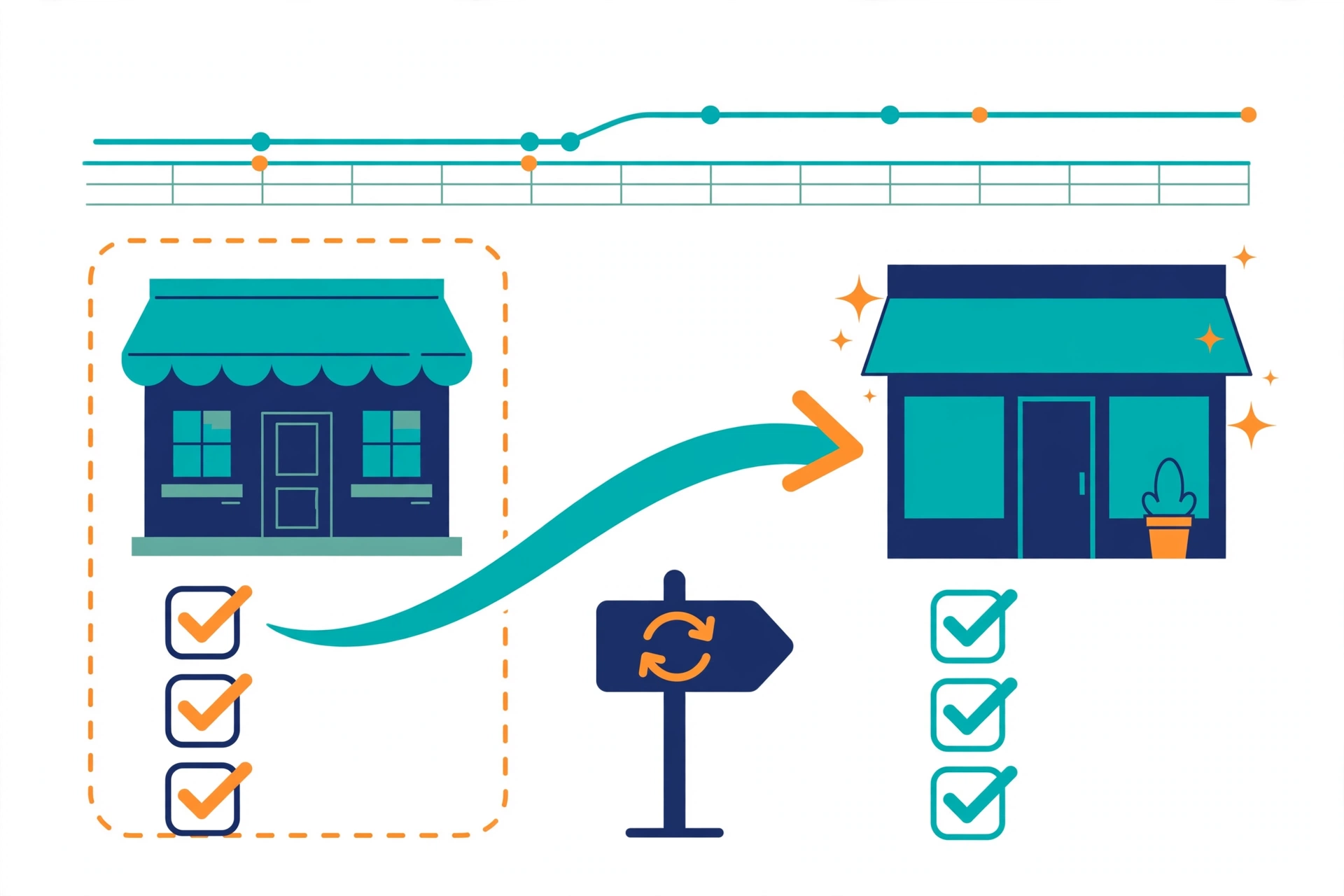
Stores that skip the redirect map typically lose 30–60% of organic traffic for weeks. The map is the whole game.
Migration planning protects the SEO for Shopify results you already have.
Selling Internationally: Shopify Markets SEO
Shopify Markets makes international SEO easier than most platforms: subfolders consolidate authority (avoid ccTLDs unless a market genuinely demands a local domain), and Shopify generates hreflang automatically. The mistakes stores still make:
- Untranslated metadata. The visible content is localized but titles, meta descriptions, and alt text are still English. Google reads the metadata — localize it fully.
- Currency-only localization. Prices converted but not rounded locally look wrong and hurt conversion even when SEO is perfect.
- Ignoring per-market Search Console data. Submit each market’s URLs separately and monitor coverage per market.
International expansion extends SEO for Shopify to new markets without starting over.
5 Shopify SEO Mistakes to Avoid
- Indexing tag and filtered URLs. Single tag pages and sort URLs cannibalize your collections. Build real collections for tags with demand; block the rest.
- Deleting products without redirects. Every dead product URL is wasted authority. Redirect, always.
- Ignoring collection page copy. A collection with no unique content cannot outrank a competitor’s that has it.
- Installing apps without an SEO cost check. Each app is a speed tax. Audit quarterly.
- Writing product descriptions from supplier feeds. Duplicate descriptions across hundreds of stores rank nowhere. Rewrite the top 20% of products by revenue first.
Avoiding these mistakes keeps your SEO for Shopify foundation strong.
Frequently Asked Questions
Is Shopify good for SEO?
Yes, when its technical settings, site structure, and content are managed properly. Shopify handles SSL, sitemaps, canonical tags, and robots.txt automatically, but rankings still depend on keyword targeting, content quality, site speed, internal links, and authority.
Why are my Shopify product pages not ranking?
The usual causes are duplicate manufacturer descriptions, missing internal links from blog and collection pages, slow load times from app bloat, and variant URLs splitting authority. Fix descriptions and internal links first — they move the needle fastest.
How long does SEO for Shopify take?
Expect 3–6 months for meaningful movement on competitive terms, with long-tail blog content often ranking in 4–8 weeks. Stores with existing authority and clean technical setups see results faster.
Should I use an SEO app on Shopify?
Apps help with checklists and bulk edits (meta tags, alt text, JSON-LD), but they do not replace strategy. Audit your apps quarterly — unused ones slow your store and hurt the rankings they were installed to improve.
Do I need a blog for Shopify SEO?
Not strictly, but stores with active blogs consistently earn more organic traffic. A small hub of buying guides targeting your customers’ real questions is the highest-ROI content investment for most stores.
The stores winning at SEO for Shopify in 2026 follow this playbook in order.
Conclusion
SEO for Shopify rewards stores that master the platform’s constraints instead of fighting them: canonical variant URLs, fast themes with few apps, keyword-mapped collections and products, a blog hub that answers real buying questions, and a redirect map whenever you migrate. Work the seven steps in order, and your store compounds organic traffic while competitors keep paying for every click.
Want a professional review of your store’s SEO? Get a free SEO audit and see exactly what is holding your rankings back.