An XML sitemap is a file that lists the URLs you want search engines to know about. Done well, it helps Google find new and updated pages more efficiently. Done badly, it becomes a long list of pages that redirect, error out, or contradict the rest of your site. This guide to xml sitemap optimization walks through seven common mistakes, shows how to find each one, and ends with a short audit routine you can repeat every quarter.
Key takeaways
- A sitemap is a hint, not a command. Google’s documentation says submitting one does not guarantee that every listed URL will be crawled or indexed.
- List only canonical, indexable URLs that you actually want in search results.
- One sitemap file holds up to 50,000 URLs or 50 MB uncompressed. Past that, split the file and use a sitemap index.
- Google uses the lastmod value only when it is consistently and verifiably accurate. It ignores priority and changefreq.
- Splitting sitemaps by content type makes Search Console reports much easier to interpret.
What a sitemap does and does not do
Google describes a sitemap as a file that lists the pages, videos and other files on your site and how they relate to each other, which helps crawlers work more efficiently. It also notes that you may not need one if your site is small (roughly 500 pages or fewer that you want in search results) and thoroughly linked internally. A sitemap is most useful when the site is large, new with few external links, or heavy on video and image content.
Nothing in the documentation describes a sitemap as a ranking factor. Treat it as a discovery and crawl-efficiency tool. If you use WordPress, Wix or Blogger, the platform or a plugin may already generate one for you, so the work is usually cleaning it up rather than building it.

Mistake 1: Listing URLs that should not be indexed
Google tells site owners to list the canonical URLs they want shown in search results. A page with a noindex tag, a page whose canonical points elsewhere, and a parameter variation of another page all send the opposite message: the sitemap says “this matters” while the page says “do not index me” or “the real version is over there”.
How to find it: crawl the sitemap URLs with a crawler such as the Screaming Frog SEO Spider (its free version is limited to 500 URLs per crawl) and filter for noindex directives and canonicals that do not match the listed URL.
The fix: remove them. If a page should not appear in search, it should not appear in the sitemap.
Mistake 2: Redirects, 404s and server errors
Every listed URL should return a normal 200 response. Redirected URLs make Google follow an extra hop to reach the page, and broken URLs send crawlers to dead ends. These errors accumulate quietly after a migration, a category restructure or a product line being retired, especially in static sitemap files nobody regenerates.
The fix: list the final destination URL instead of the redirecting one, drop deleted pages, and prefer a sitemap that regenerates automatically whenever content changes. SEO plugins and CMS platforms commonly do this. If the cleanup is part of a larger project, see our guides to fixing redirect chains and fixing 404 errors.
Mistake 3: URLs blocked by robots.txt
Search Console lists “blocked by robots.txt” among the sitemap error types: the sitemap invites Googlebot to a URL that robots.txt forbids it to fetch. It usually happens when someone adds a Disallow rule for a section and nobody removes that section from the sitemap.
The fix: compare the two files whenever either changes. If a section is blocked on purpose, such as internal search or a staging area, it does not belong in the sitemap. You can also list your sitemap in robots.txt with a Sitemap line, which is one of the supported ways to tell Google where it is.
Mistake 4: Ignoring size limits and putting everything in one file
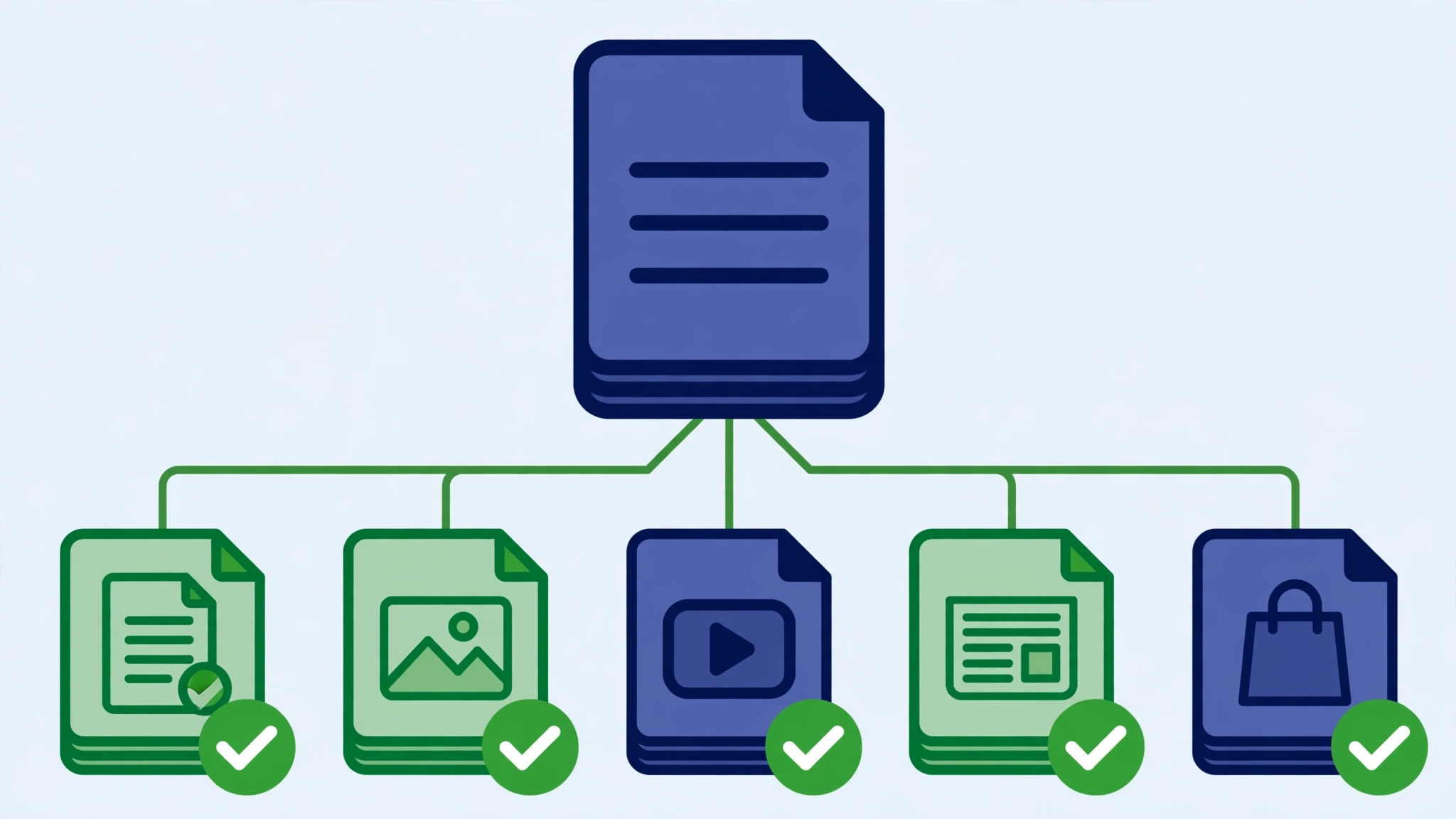
Google’s limits are 50,000 URLs or 50 MB uncompressed per sitemap, and files must be UTF-8 encoded. Larger sets must be split. A sitemap index file lists the individual sitemaps. It uses the same XML format, requires the sitemapindex, sitemap and loc tags, and can contain up to 50,000 loc entries. A few placement rules are easy to miss: the referenced sitemaps must be on the same site as the index, and they must sit in the index’s directory or a deeper one. You can submit up to 500 sitemap index files per site in Search Console.
Even below the limits, separate files for pages, posts, products, categories and images are worth the setup, because Search Console reports on each submitted sitemap. When the blog sitemap shows a very different picture from the product sitemap, you know where to start.
Mistake 5: Inaccurate lastmod values
Google states that it uses the lastmod value only when it is consistently and verifiably accurate, for example when it matches the page’s actual last modification. The value should reflect the last significant change, such as edits to main content, structured data or links. Updating a copyright year does not count.
Two patterns undermine it: leaving lastmod out entirely, and setting every URL to today’s date on each build. The second is worse, because if the dates stop matching reality there is little reason for Google to rely on them.
The fix: tie lastmod to the real content modification timestamp, and do not bump it for template or footer changes. You can also stop worrying about the other two optional tags. Google ignores both priority and changefreq.
Mistake 6: Dumping every URL the CMS can generate
Tag archives with two posts, one-off author pages, filtered product URLs and internal search results are all pages a CMS happily produces. Including them dilutes the sitemap and sends crawlers toward pages you would never choose to rank.
The fix: apply a simple test to each URL type: would I be happy if this page were the landing page from a search? If the answer is no, exclude it. Keep money pages, cornerstone guides, useful category pages and anything you want to appear in search. For thin or low-value pages, a content pruning review may be the better answer than a sitemap tweak.
Mistake 7: Relative URLs, escaping errors and formatting slips
Google requires fully qualified absolute URLs, so a path such as /mypage.html is not valid. Search Console flags a long list of file-level problems too: unescaped characters, an incorrect namespace, leading whitespace, an empty file, compression errors, and a mismatch between www and non-www versions of the site.
The fix: validate the file after structural changes, check that the sitemap URL itself returns a successful fetch in the URL Inspection tool, and make sure every listed URL uses the same protocol and host as the canonical version of your site.
Reading the Sitemaps report
The report’s status values are simple. Success means the file was fetched and read with no errors. Has errors means it was fetched and partly read; the URLs that parsed cleanly are still queued for crawling. Couldn’t fetch means Google could not retrieve the file, and the documented causes include being blocked by robots.txt, a wrong URL returning 404, a server error, or an unresolved manual action. The report also shows the number of discovered pages, the last time Google read the file, and a link to indexing details for the URLs it lists. Sitemap URLs submitted through the report are not followed through redirects, so submit the final URL.
| What you see | Likely meaning | First step |
|---|---|---|
| Couldn’t fetch | Google could not retrieve the file | Open the URL in a browser, check robots.txt and server logs, then resubmit |
| Has errors | Some URLs or tags are invalid | Open the row, read the error list, fix the listed URLs |
| Success, but many listed pages are not indexed | The file is fine; the URLs may be low value or duplicates | Open the index coverage view for that sitemap and inspect a sample |
Worked example: a quarterly audit
Example scenario: a hypothetical online shop has one sitemap with about 1,200 URLs. A quick audit might go like this.
- Fetch the file. Open the sitemap URL, confirm it loads as valid XML with absolute URLs.
- Crawl the listed URLs. Export the status code, indexability and canonical for each. In this invented example, 60 URLs redirect, 25 return 404, 40 carry noindex and 80 are filter variations canonicalized to other pages.
- Remove or replace. Replace redirecting URLs with their destinations, remove the 404s, noindex pages and filter variations. The sitemap drops to about 1,000 URLs.
- Split the file. Create separate files for products, categories, blog posts and static pages, tied together by a sitemap index.
- Resubmit and watch. Submit the index in Search Console and review each sitemap’s status and discovered counts after Google next reads it.
The counts are invented. The method is the useful part, and you can run it with any crawler.
Common mistakes with the audit itself
- Auditing the sitemap but never comparing it to robots.txt.
- Submitting a redirecting sitemap URL and assuming Google followed it.
- Fixing the sitemap but leaving the underlying cause (for example a plugin that adds every archive).
- Treating a Success status as proof that pages are indexed. Success only means the file was read.
Related reading: if pages stay unindexed after the sitemap is clean, our guide to Discovered, currently not indexed covers the next set of causes. If you are deciding how automated crawlers should treat your content more broadly, see our llms.txt guide.
Frequently asked questions
Do small sites need a sitemap?
Google says you may not need one if your site is roughly 500 pages or fewer and is thoroughly linked internally. It is still harmless to have one, particularly while a site is new.
Should I set priority and changefreq?
No. Google ignores both tags. Spend the time on accurate lastmod values and a clean URL list.
How do I submit a sitemap?
Use the Sitemaps report in Search Console, the Search Console API, or add a Sitemap line to robots.txt. Test the file with a live URL inspection first.
Sources
- Google Search Central: Build and submit a sitemap
- Google Search Central: Learn about sitemaps
- Google Search Central: Manage large sitemaps with an index file
- Search Console Help: Sitemaps report
- Screaming Frog SEO Spider FAQ
If you would like a second pair of eyes on your sitemap, you can contact SSA Agency.