Key takeaways
- Google’s guidance on anchor text is simple: make it descriptive, reasonably concise, and relevant to both the page it sits on and the page it points to.
- If your anchor text makes no sense read on its own, it needs to be more specific.
- Generic phrases like “click here” and “read more” waste a chance to describe the destination.
- For a linked image, the alt text acts as the anchor text, so write it that way.
- There is no official “ideal ratio” of exact-match to partial-match anchors. Write natural sentences, vary your wording, and audit for repetition and mismatches.
What Is Internal Link Anchor Text?
Internal link anchor text is the visible, clickable wording of a link that points from one page on your site to another page on the same site. In the sentence “read our guide to how many internal links per page before you start,” the anchor text is “how many internal links per page.”
Anchor text serves two audiences. Readers use it to decide whether a link is worth clicking. Google’s link best practices say that links help it find pages, and that anchor text helps both people and Google understand what the linked page contains. Because you control every internal anchor on your site, it is one of the few on-page signals you can improve completely by yourself.
What Google Actually Recommends
Google’s link documentation is short and specific. These are the points that matter for internal links:
- Use real links. Google generally crawls only links built as anchor elements with an href attribute. Links that depend on JavaScript click handlers without a real href may not be followed.
- Put descriptive text inside the link. Empty link text is a problem. Google may fall back on a title attribute, but only as a backup.
- Be descriptive, concise and relevant. The documentation’s examples of text that is too generic include “click here,” “read more,” “website” and “article.” Its suggested improvement for a vague link is something specific, such as “list of cheese types.”
- Avoid overly long anchors. A multi-clause phrase is weaker than a short phrase that names the subject.
- Do not keyword stuff or chain links together. Space links out and use the surrounding words to give context.
- Link related pages in context. Every page you care about should be linked from at least one other page, and there is no fixed ideal number of links per page, although excessive linking is likely a problem.
The test Google suggests is easy to run: read the anchor text on its own. If it does not make sense without the sentence around it, rewrite it.
Anchor Text Types With Examples
Marketers usually sort anchors into a handful of types. The labels are an industry convention, not an official Google classification, but they are useful when you audit a site.
| Type | Example | How to use it |
|---|---|---|
| Exact match | “project management software” linking to a page about project management software | Use where the phrase fits the sentence naturally. Do not force it. |
| Partial match | “how to compare project management tools” | Usually the most natural choice for body content. |
| Branded | “the Acme Co. pricing guide” | Good when you cite your own resource by name. |
| Generic | “read more,” “this article” | Weak. Acceptable on a button next to a descriptive heading, but avoid as your main anchor. |
| Naked URL | “https://example.com/pricing/” | Rarely useful inside content. Fine in references. |
| Image link | A linked screenshot whose alt text describes the destination | Alt text becomes the anchor, so write it as a description of the target page. |
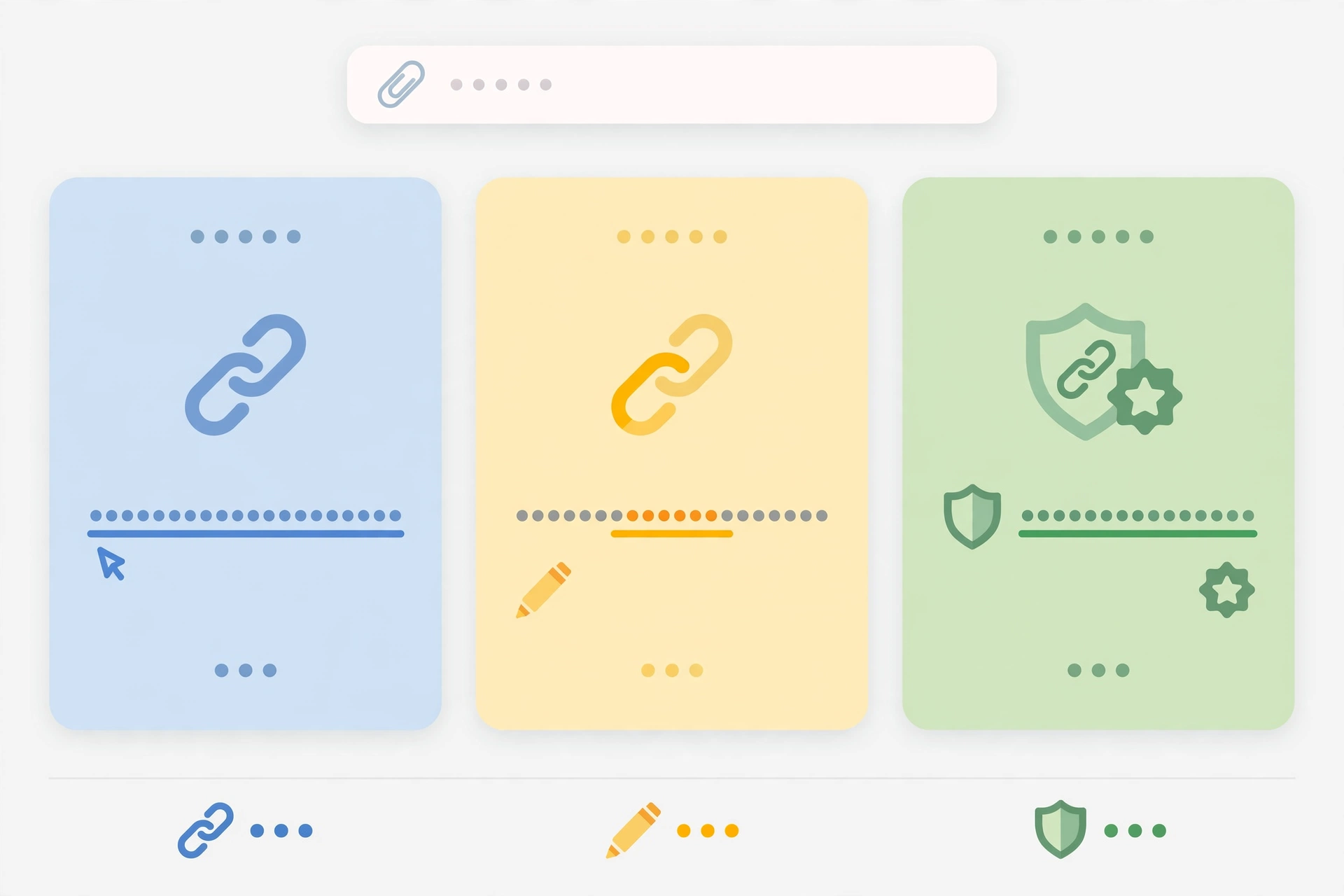
Notice that the good examples read like normal prose. Exact match is not forbidden, and it is often the clearest wording. The problem comes only when a sentence is bent out of shape to fit a keyword, or when every link to a page uses the identical phrase because someone decided it should.
Internal Link Anchor Text Best Practices
1. Describe the destination, not the action
“Our checklist for auditing anchor text” beats “click here to read more.” The first version tells a skimming reader and a crawler what the page contains. The second tells them nothing.
2. Keep it short, but not cryptic
A few words are usually enough. If you need a long phrase to describe the destination, the sentence around the link may be the real problem. Rewrite the sentence so a short anchor can carry the meaning.
3. Match the anchor to what the destination actually covers
If a page is about auditing anchors, an anchor like “how to audit your anchors” is accurate. An anchor that promises something the page does not deliver will frustrate readers and give Google a misleading description.
4. Vary the wording naturally
Different articles will naturally describe the same page in different ways. That variety comes from writing for the sentence in front of you rather than copying a phrase from a spreadsheet. Using one rigid phrase everywhere is a sign of mechanical linking, and Google’s guidance warns against keyword stuffing in general.
5. Put the link where it helps
Links inside relevant body text, near the point where a reader would want more detail, work better than a pile of links at the end. Google’s advice is to link to related resources in context.
6. Write alt text for linked images like anchor text
Google’s documentation says it uses the image’s alt text for image links, and that empty alt text on a linked image is bad. Describe the destination page, for example “checklist for auditing internal link anchors.”
7. Check your templates
Menus, footers and sidebars repeat the same anchor on every page. That is normal. Just make sure those anchors are short, accurate labels and not keyword-stuffed phrases, and let the body content supply the variety. If you are not sure how to add or edit links, our guide on how to add internal links in WordPress walks through the editor.
Why There Is No Magic Anchor Ratio
Many SEO articles publish a pie chart of how much exact match, partial match and generic anchor text you should have. Google’s documentation does not publish any such target, and we could not find a primary source that does, so treat those percentages as opinion. A better question is whether each anchor is accurate, natural and helpful.
That said, patterns can still reveal problems. Look for:
- One identical, keyword-heavy phrase repeated across a large number of pages for the same destination.
- Generic anchors (“click here”) as the only links pointing to an important page.
- Anchors that describe a different topic than the destination.
- Linked images with empty alt text.
On spam: Google’s spam policies define keyword stuffing and link spam, but the link spam examples they describe concern links to or from other sites, such as paid articles with contrived anchor text. They do not say that varied internal links are required or that repeated internal anchors are penalized. The safe interpretation is to write for readers and avoid obvious repetition.
How to Audit Your Internal Anchors
- Export your internal links. Use a site crawler that can export every internal link with its source URL, destination URL and anchor text. Many crawlers do this, and the exact feature names depend on the tool.
- Group by destination. In a spreadsheet, filter or pivot by destination URL so you can see every anchor that points to each important page.
- Flag weak anchors. Mark generic phrases, empty anchors, and anchors that do not match the destination.
- Flag repetition. Mark any destination where nearly every link uses the same long keyword phrase.
- Prioritize. Fix misleading anchors first, then empty ones on linked images, then generic anchors on your most important pages.
- Re-check rendering. If links are added by JavaScript, use the URL Inspection tool in Search Console to confirm that the anchor text appears in the rendered HTML.
- Log your changes with dates so you can compare them with Search Console performance later. Remember Google’s note that changes can take hours or several months to show up, so give a change a few weeks before judging it.
Worked Example: Rewriting Weak Anchors
Example scenario: a hypothetical accounting software blog has a guide titled “How to Set Up Recurring Invoices.” An audit shows these inbound internal anchors:
| Source page | Current anchor | Problem | Better anchor |
|---|---|---|---|
| Invoicing basics | click here | Generic | set up recurring invoices |
| Late payment tips | best invoicing software cheap | Stuffed and unrelated to the guide | automating your invoices |
| Small business checklist | (linked image with no alt text) | Empty anchor | Add alt text: “step-by-step guide to recurring invoices” |
| Product update post | this article | Generic | our recurring invoice walkthrough |
Each rewrite is accurate, short and different from the others, and none required inventing a new phrase for its own sake. The writer simply asked, for each sentence, what a reader would expect to find on the other side of the link.
Anchor Text and AI Search
Google’s documentation on AI features states that there are no additional requirements to appear in AI Overviews or AI Mode, and no special optimizations beyond standard SEO fundamentals. Those fundamentals explicitly include internal links and keeping important content in text form. So descriptive anchors are not an AI trick. They are part of the same basic hygiene that helps crawlers and readers understand your site.
Common Mistakes
- Using “click here” or “read more” as the only link to an important page.
- Forcing an exact keyword into a sentence where it reads awkwardly.
- Making anchors so long they read like a sentence.
- Leaving linked images with empty alt text.
- Pointing an anchor to a page that covers something different.
- Building links with JavaScript click handlers instead of real anchor elements.
Frequently Asked Questions
Should internal anchor text always match the target keyword?
No. Use the wording that best describes the page in the context of your sentence. Sometimes that will match the target keyword, and often it will not.
Is “click here” harmful?
It is not a penalty, but it is a missed opportunity. Google’s own guidance lists it as too generic and recommends specific descriptive text instead.
How long should anchor text be?
Google says anchor text should be reasonably concise. A short phrase that names the subject is the goal, and there is no official word count.