Key takeaways
- Start with data you already own. The Search Console Performance report shows the real queries that triggered impressions and clicks for your site.
- Free sources can build a long list: Google autocomplete, People Also Ask, related searches, Google Trends, Keyword Planner and community forums.
- Search intent decides the page type. Check what already ranks before you commit to a keyword.
- A simple scoring formula keeps you honest about demand, effort and value. The formula below is a heuristic, not an industry standard.
- Google says it has no preferred word count and does not use the keywords meta tag, so research should guide topics and wording, not stuffing.
Learning how to do keyword research is one of the highest-leverage SEO skills, because every page you write starts with a decision about what people are searching for and whether you can serve them. This guide gives you a repeatable seven-step process, a scoring method, a worked example with hypothetical numbers, and the checks that stop you from wasting weeks on keywords that will never pay off.
What Is Keyword Research?
Keyword research is finding the words and phrases your audience uses in search, then deciding which are worth building a page around. It answers three questions: what do people want, how often do they search for it, and can your site realistically satisfy that search better than what already ranks?
It is not about repeating a phrase as often as possible. Google’s SEO Starter Guide says excessive repetition of keywords frustrates users and violates Google’s spam policies, that Google does not use the keywords meta tag, and that keywords in a domain name or URL have hardly any effect on rankings. The same guide notes that Google’s language systems can match content even when it does not use the exact search term, such as “charcuterie” versus “cheese board.” Research is about understanding topics and vocabulary, not hitting an exact-match quota.
Why It Still Matters When Search Keeps Changing
Search results now include AI features. Google’s documentation says there are no additional requirements or special optimizations to appear in AI Overviews or AI Mode beyond the usual fundamentals, and that AI Overviews appear only when they add value beyond classic results. For you, the practical lesson is to check what the results page looks like before you invest in a keyword. If a query is fully answered at the top of the page, a short factual article may attract few clicks. Our guide on zero-click search strategy covers how to adapt, and our post on how to rank in Google AI Overviews explains the related fundamentals.
The Seven-Step Keyword Research Process
Step 1: Start With What You Already Rank For
Open the Performance report in Search Console. It shows clicks, impressions, click-through rate and average position, and the Queries tab groups the data by the searches people used. Sort by impressions and look for queries where you appear but earn few clicks. Google’s own help page suggests that a low click-through rate may mean your title and description do not match what searchers want. You can also click a query and then open the Pages tab to see which of your URLs appeared for it.
Two cautions: your own searches may look different from the report because results vary with location, device and history, and the default date range is three months. Our Google Search Console guide walks through the reports in more detail. While you are there, look for two pages competing for the same query. If you see overlap, read how to find and fix keyword cannibalization before adding anything new.
Step 2: Write Seed Topics and Audience Notes
List five to ten broad topics your business covers. For each, write who is searching and what they want: to learn, to compare, or to buy. These notes will matter when you judge intent.
Step 3: Expand Your List With Free Sources
- Google autocomplete: type a seed, then add each letter of the alphabet or a question word, and note the suggestions.
- People Also Ask and related searches: these show phrasing real people use. Record the questions that apply to your topic.
- Google Trends: compare terms and regions. Google’s help page explains that you can compare up to eight groups of terms at once in the current Explore, and that misspellings, synonyms and singular or plural forms are not matched automatically, so enter variants separately. Trends is good for relative interest and seasonality, not for absolute volumes.
- Keyword Planner: it is a Google Ads tool that returns keyword ideas and search volume estimates. Google’s help page says you must finish account setup, including billing information, to access basic features, and that very low volume or sensitive keywords may not be available. Treat the numbers as estimates.
- Your own data: internal site search, customer emails and sales call questions often contain phrases no tool shows.
- Communities: forums and Q and A sites reveal the language people use and the problems they are trying to solve.
Step 4: Decode Search Intent
Every query carries an intent. A practical grouping:
- Informational: the person wants to learn (“how to do keyword research”). Guides and tutorials fit.
- Commercial: the person is comparing options (“best keyword research tools”). Comparisons fit.
- Transactional: the person is ready to act (“hire an SEO consultant”). Service or product pages fit.
- Navigational: the person wants a specific site. Skip these unless they are your brand.
To check intent, search the phrase and look at the top results. If they are all step-by-step guides, a sales page is the wrong match. Google’s guidance on helpful content asks you to create content primarily to help people, not to attract search engine visits, so matching the real need is the whole game.
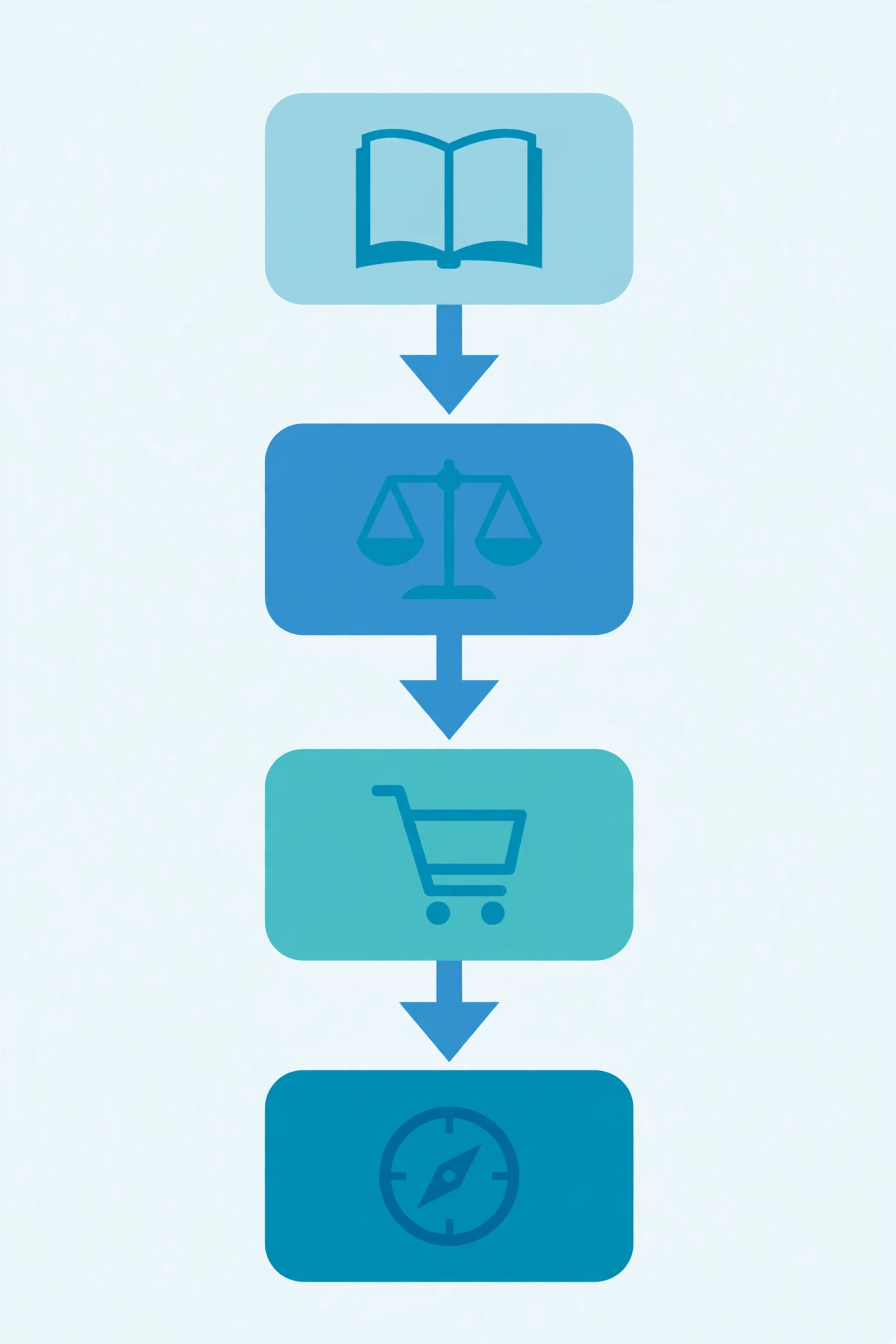
Step 5: Score Your Candidates
For each keyword, estimate three things:
- Demand (V): estimated monthly searches from Keyword Planner or another tool. Use 0 if unknown.
- Difficulty (D): a 1 to 100 estimate. Many paid tools publish a difficulty score, but each uses its own method, so scores from different tools are not comparable. Without a tool, search the phrase and note how many results come from large, established sites versus small blogs and forums.
- Business value (I): 1 for informational, 2 for commercial, 3 for transactional.
Then calculate: Priority = (V x I) / (D + 10). The +10 prevents extremely small difficulty values from producing absurd scores. This is a simple heuristic created for this guide, not an official metric, so use it to sort a list and then apply judgment.

Step 6: Check the Results Page
Before you commit, search each finalist and ask:
- Does an AI Overview or featured answer resolve the question completely?
- Are the top results thin, outdated or off-topic, which suggests room for a better page?
- Does the format of the results (guide, comparison, product page) match what you plan to publish?
This check often changes the ranking of your list more than the formula does.
Step 7: Cluster, Map and Schedule
Group related keywords into clusters. Each cluster gets one primary page and a handful of supporting phrases that the page can cover naturally. Assign each keyword to a single URL so your pages do not compete. Our guide to keyword mapping explains this step, and our SEO content brief template shows how to hand a cluster to a writer. Put publish dates and owners in a simple spreadsheet. Remember Google’s own timing note: changes can take hours or several months to show up, and it suggests waiting a few weeks before judging results.
Worked Example: A New Healthy Baking Blog
Example scenario: a hypothetical new blog about healthy baking starts with the seed “healthy snacks.” The numbers below are invented for illustration and are not real search data.
| Keyword | Volume (V) | Difficulty (D) | Value (I) | Priority |
|---|---|---|---|---|
| healthy snacks for kids | 2,900 | 38 | 1 | 60 |
| healthy late night snacks | 1,600 | 22 | 1 | 50 |
| low calorie snacks for work | 720 | 18 | 1 | 26 |
| are protein bars healthy | 5,400 | 61 | 1 | 76 |
| healthy snacks to buy | 1,900 | 44 | 2 | 70 |
By score alone, “are protein bars healthy” wins. The results-page check changes that. If the top of the page is occupied by an AI answer and well-established health publishers, a brand-new blog is unlikely to win, so the writer moves it to a later phase. “Healthy snacks to buy” is a commercial query where product roundups rank, which does not fit a recipe-focused blog. The shortlist becomes “healthy late night snacks,” “low calorie snacks for work” and “healthy snacks for kids,” all informational and all grouped into one cluster the blog can cover thoroughly.
The lesson is that the formula organizes your list, and the results page decides.
Common Mistakes
- Chasing volume alone. A high-volume phrase you cannot win produces no traffic.
- Ignoring intent. A page of the wrong type will struggle even if the topic is right.
- Trusting one tool’s numbers. Volume and difficulty are estimates, and tools disagree.
- Creating duplicate pages for a topic you already cover.
- Targeting a word count. Google says length alone does not affect ranking and that there is no magic word count.
- Never revisiting the list. Review the Performance report regularly, since demand and competitors change.
Frequently Asked Questions
Can I do keyword research for free?
Yes. Search Console, autocomplete, People Also Ask, Google Trends and community sites cost nothing. Keyword Planner is free to use but requires a Google Ads account with billing information set up.
How many keywords should one page target?
One main topic with a few closely related phrases. If a page is trying to satisfy two different intents, split it into two pages.
Do I still need exact-match keywords?
No. Google says its language systems can match content even without the exact search term. Use the natural wording your readers would use, including the main phrase where it fits.